CHAPTER 4: INTERFACES
G500 SUBSTATION GATEWAY INSTRUCTION MANUAL GE INFORMATION 59
M.2 SSD
G500 comes with a 128GB or a 256GB M.2 SSD pre-installed.
For normal operation don’t exceed 1 A per slot due to Thermal and power budget
restrictions.
Installation of M.2
device
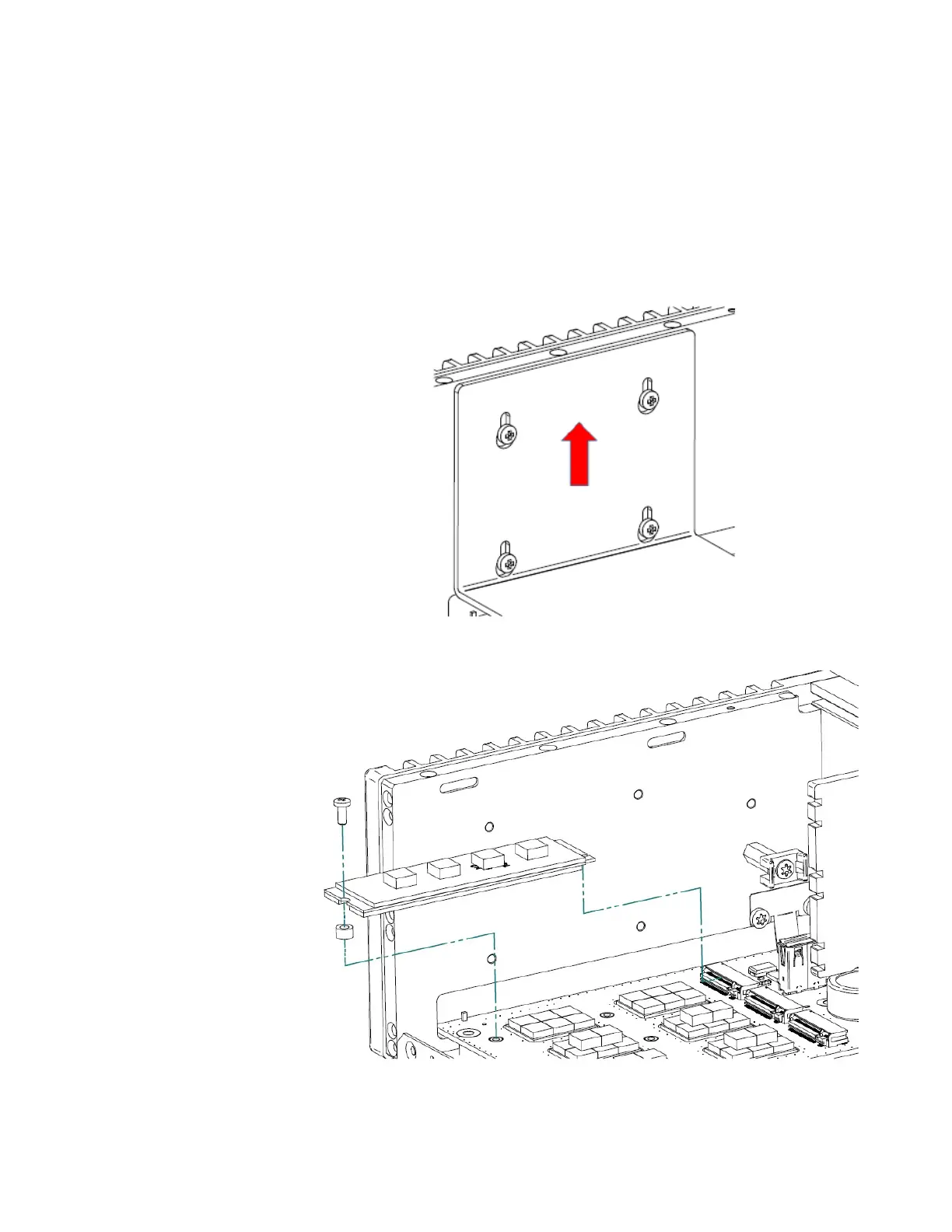
Open the cover by following the steps from “Opening cover” on page 54:
1. Loosen the M.2 heat sink screws, pull heat sink up until the keyholes allow removal of
the heat sink.
2. Unscrew the M.2 module and remove the module.



 To Next Page