70 GE INFORMATION G500 SUBSTATION GATEWAY INSTRUCTION MANUAL
CHAPTER 5: INDICATORS
STATUS
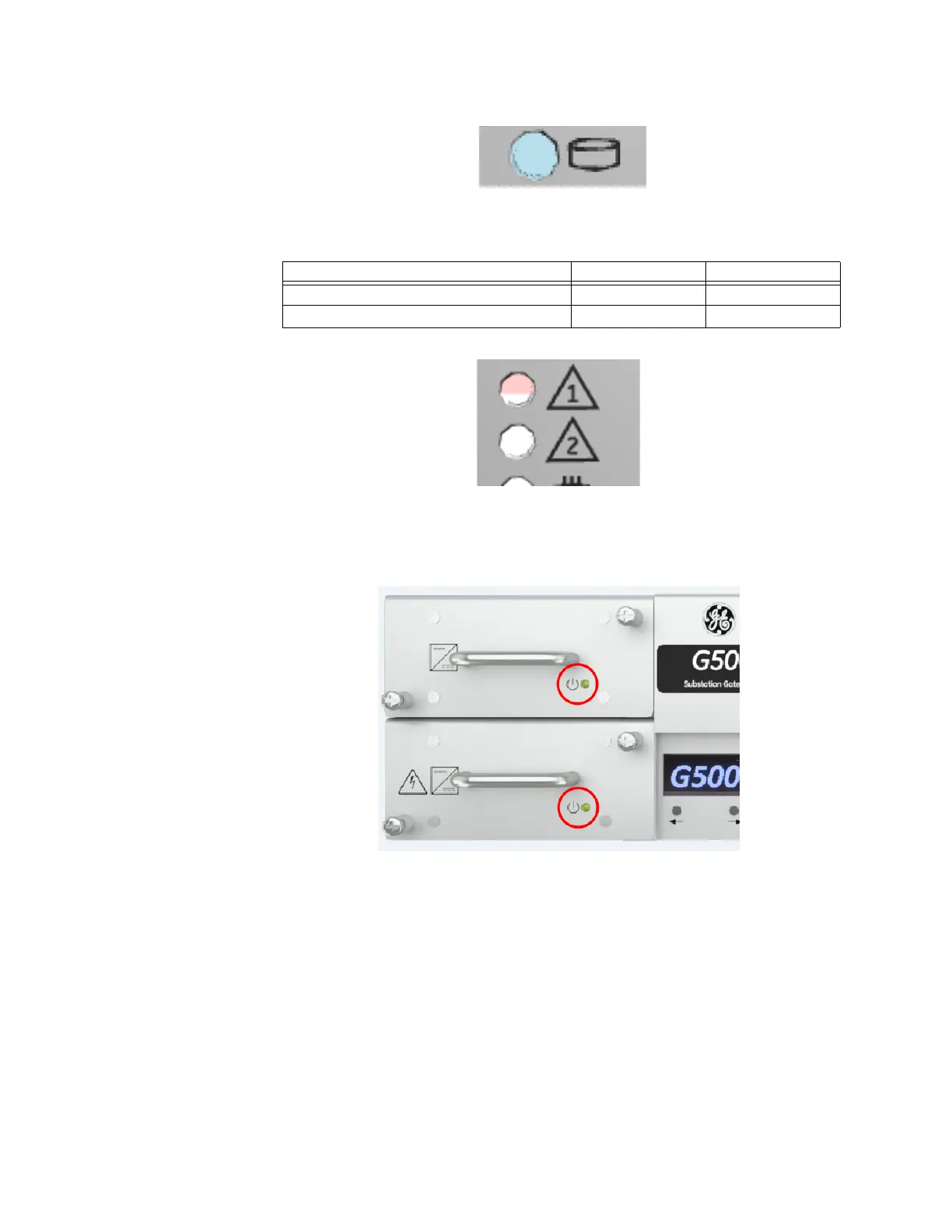
Power
Green light indicates proper operation of the power supply
OLED Display
The G500 provides a monochrome/white OLED display. The OLED display will show the
model number “G500” when any button is pressed for five minutes and then will turn off.
The OLED display incorporates four buttons which are not supported in the G500 v1.00
release.
STATUS INDICATIOR 1 INDICATIOR 2
Application controlled - -
Watchdog has triggered Red -



 To Next Page