Scanning
Vscan Air – User Manual 5-21
Direction GP092020-1EN Rev 18
Zoom and pan (continued)
NOTE: While zooming, one or both edges of the image may go out of
the field of view on the screen. In such cases, you will see
‘Image crop indicators’ appear on the sides where the image
edge is not visualized (Refer ‘Image crop indicator’ on
page 5-8).
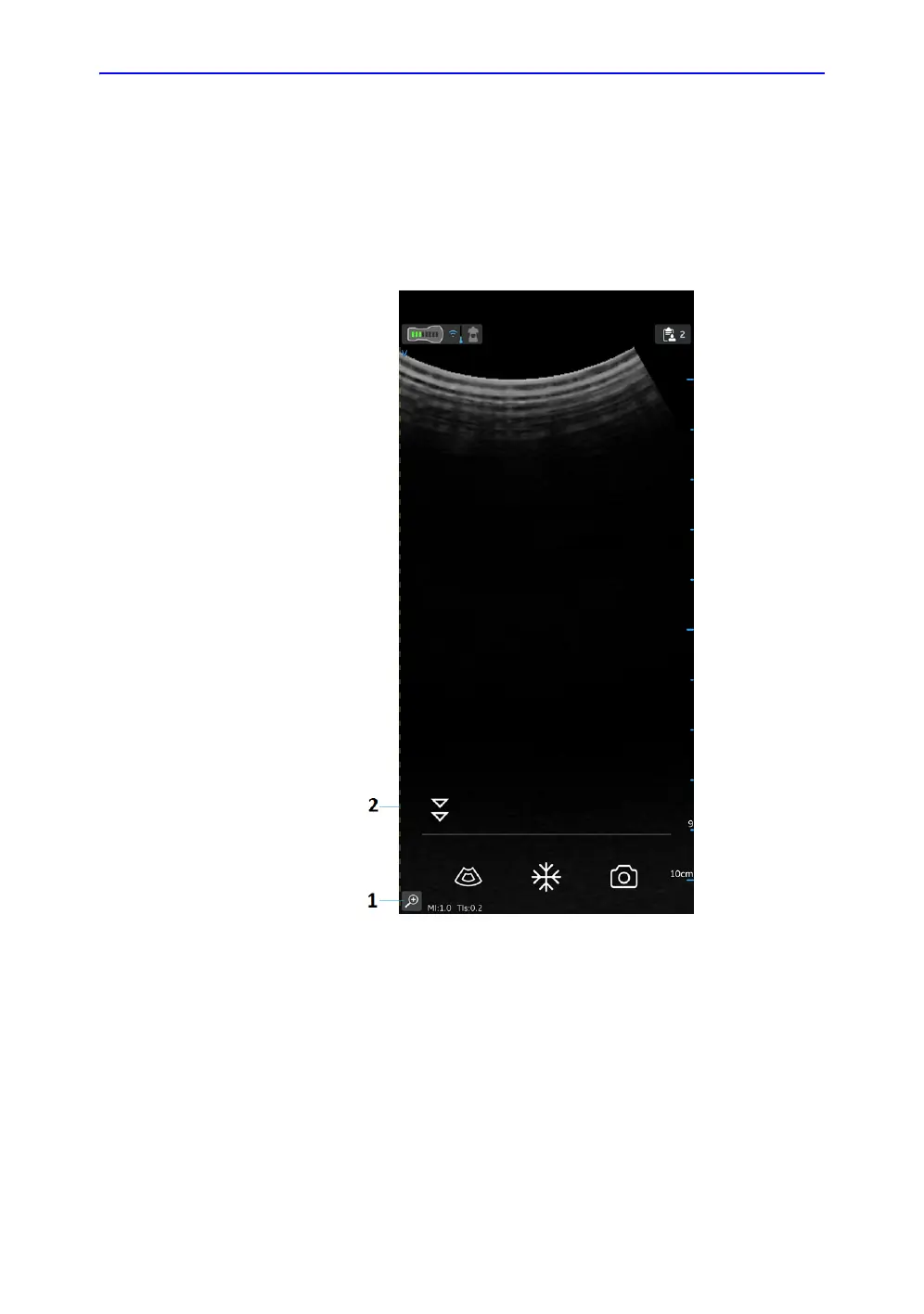
Figure 5-16. Curved array transducer
1. Zoom indicator
2. Crop indicator


 To Next Page
 Loading...