1515
8VHWKH/HIW5LJKWEXWWRQWRVHOHFWGDWHRUWLPH½HOGWKHQ
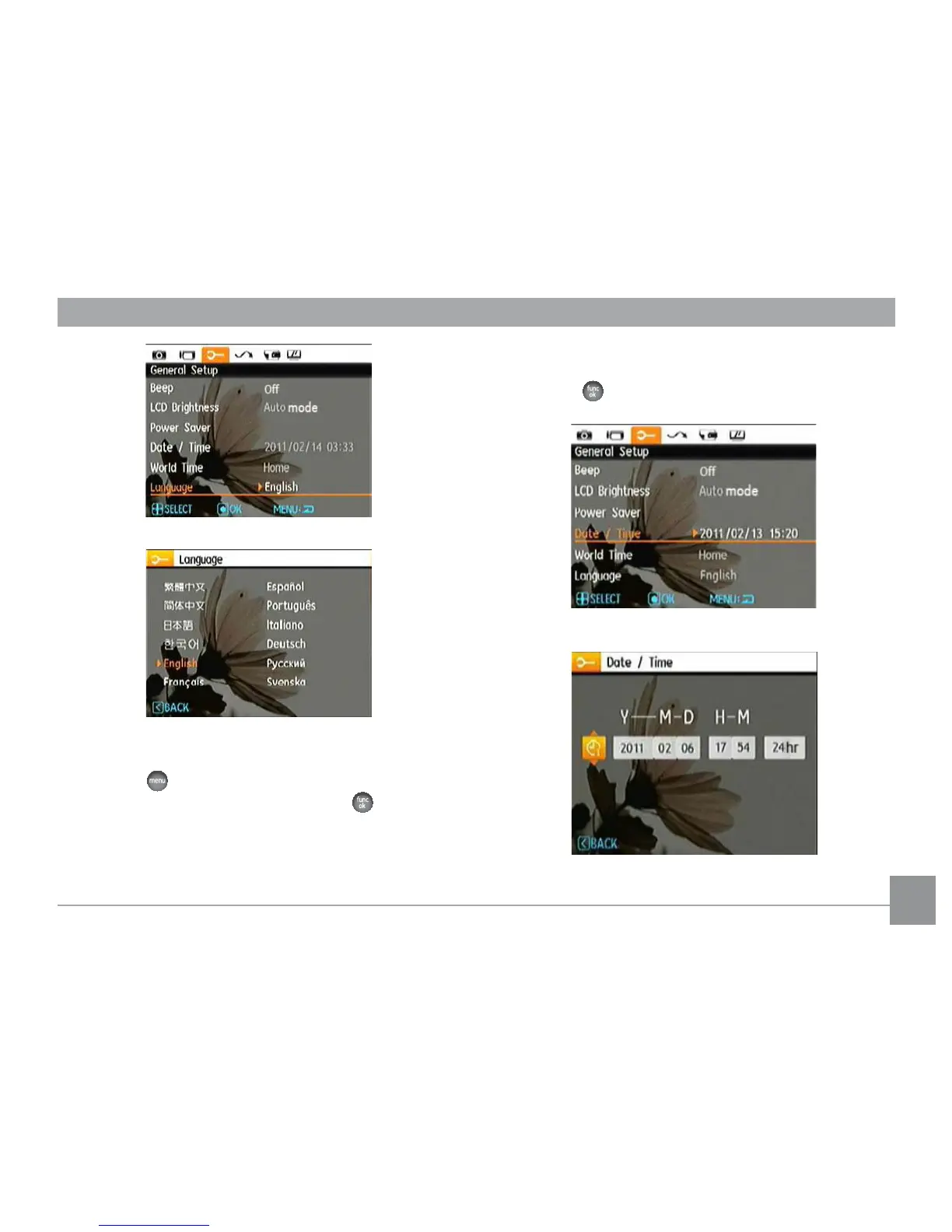
press Up/Down buttons to adjust values.
3. Press the
EXWWRQWRFRQ½UPWKHVHWWLQJV
Set Date/Time
1. Press the
button and use the Up/Down button to select
the the General Setup menu tab. Press the
button to
enter the Date/Time menu.



 To Next Page