36
Flash Mode, Self-timer, Macro Mode, and Exposure
Compensation are disabled in Panorama Mode.
3LFWXUHVFDQQRWEHGHOHWHGDQGWKH]RRPZLOOEH
GLVDEOHGXQWLOWKHVHULHVLV½QDOL]HG
Panorama Mode can stitch 2 or 3 pictures maximum.
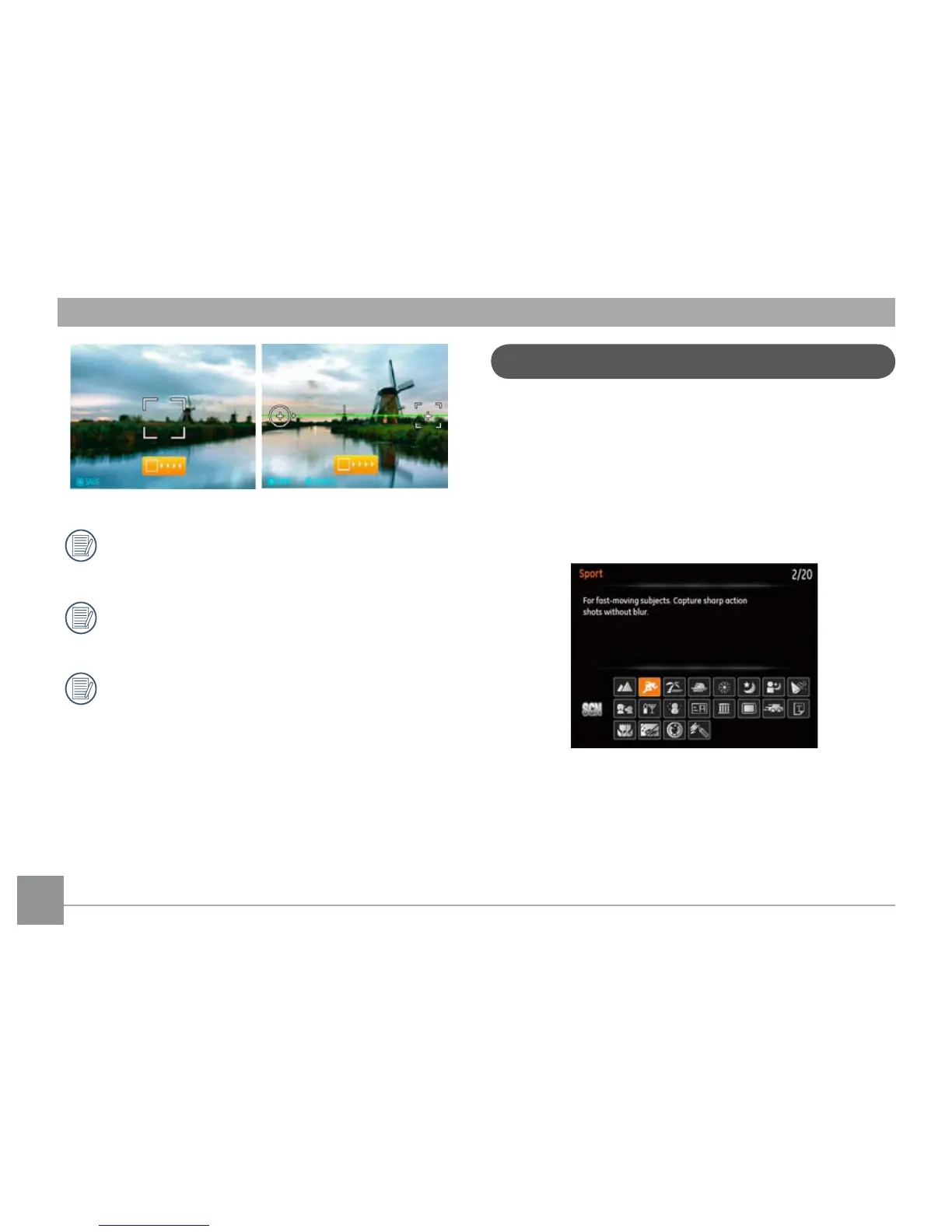
In Manual Scene mode, you can select from a total of 20
scene types to match your needs. The camera will automati-
cally adjust to the optimal settings based on the scene type
that is chosen.
To enter the Scene Mode, turn the mode dial to Manual
Scene mode. The Scene Mode palette will appear.
Manual Scene Mode (SCN)



 To Next Page