59
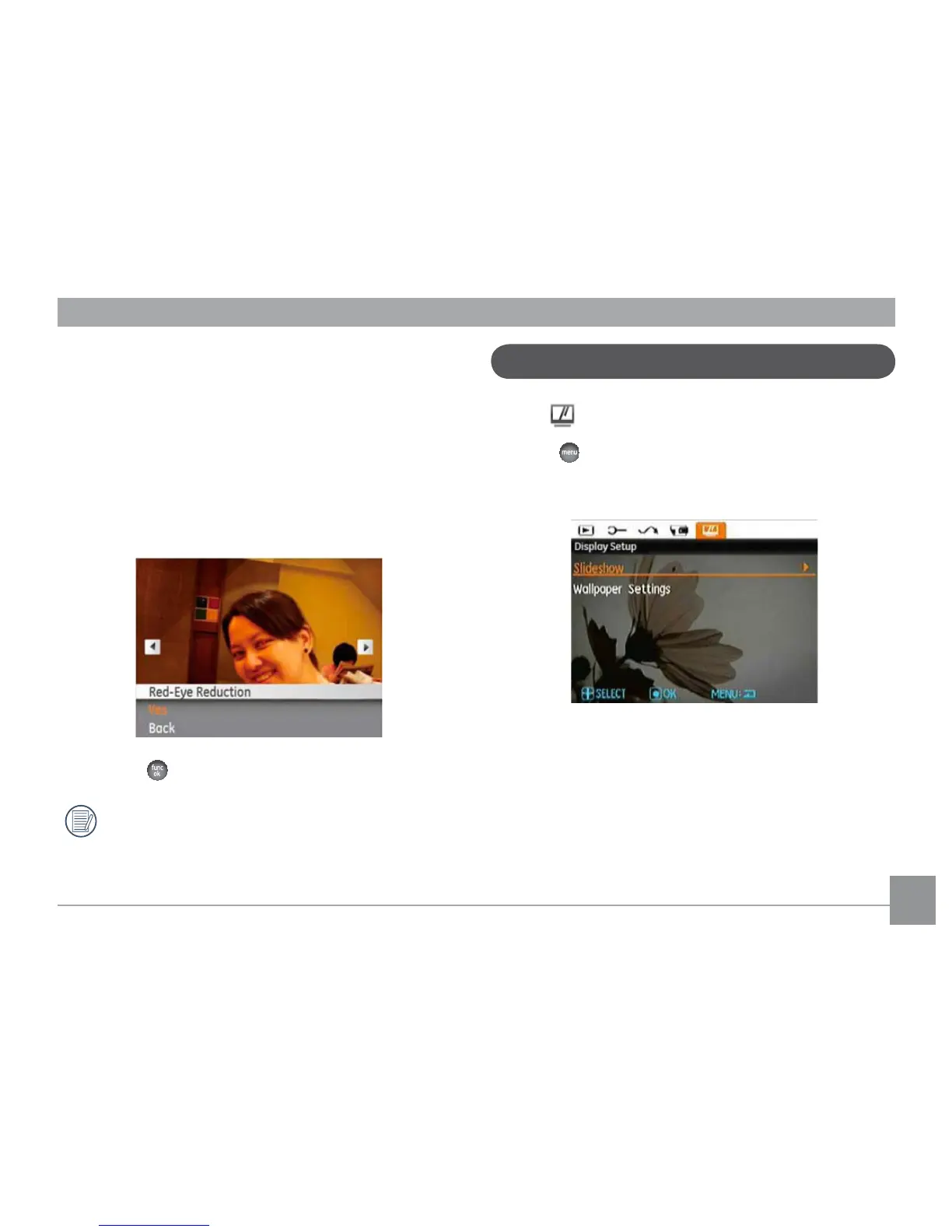
Red-eye Reduction
8VHWKLVVHWWLQJWRUHPRYHUHGH\HHȖHFWLQ\RXUSKRWRV
1. Select the
Red-eye Reduction in the Playback menu as
described previously.
2. Use the
Left/Right button to select the picture that
requires red eye removal.
3. Use the Up/Down navigation buttons and select Yes to
½[WKHVHOHFWHGLPDJHRUBack to cancel and return to the
Playback menu.
4. Press the EXWWRQWRFRQ½UPWKHVHWWLQJ
For best results, the face of the subject should be
relatively large in the LCD screen, the subject should
EHIDFLQJWKHFDPHUDDQGWKHUHGH\HHȖHFWVKRXOGEH
clearly visible.
Display Setup
Mode:
Press the button in Playback mode to enter the Display
Setup menu.
Refer to the following sections for details of every setting.



 To Next Page
 Loading...











