26
Advanced Functions Menu
The Advanced Functions Menu of the camera include Image
6L]H,PDJH4XDOLW\:KLWH%DODQFH,PDJH&RORUDQG,627KHVH
functions allow advanced users better control for shooting
XQGHUGLȗFXOWOLJKWLQJFRQGLWLRQV
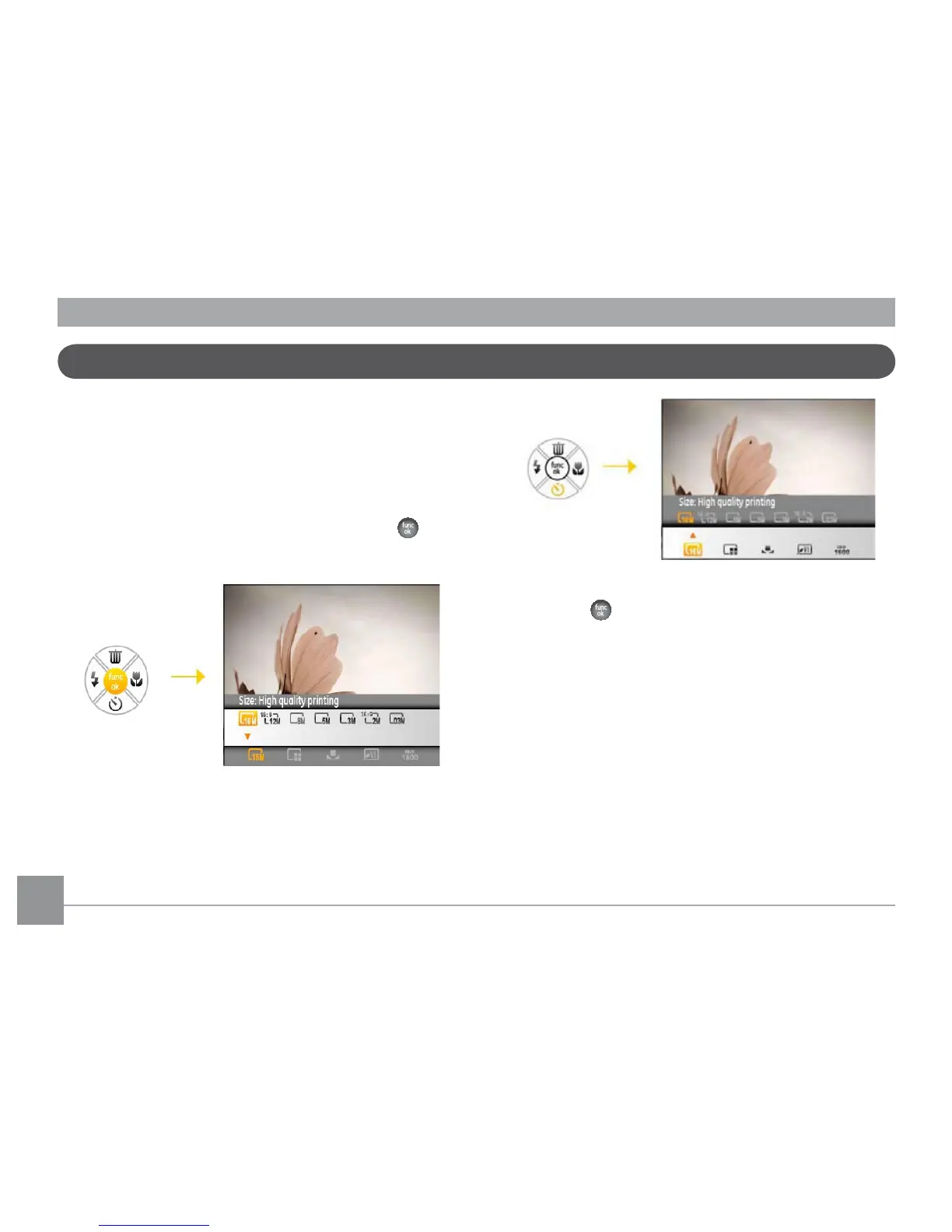
To set the Advanced Functions:
1. Pull up the Advanced Function Menus by pressing
button.
2. Press Down button to enter the advanced function
selection screen, press Left/Right button to select the
function that you want to set.
3. Press Up button to enter the advanced function setting
interface.
4. Use the Left/Right buttons to change the settings and
then press
WRFRQ½UPWKHQHZVHWWLQJVDQGFORVHWKLV
Advanced Function Menu.



 To Next Page