1919
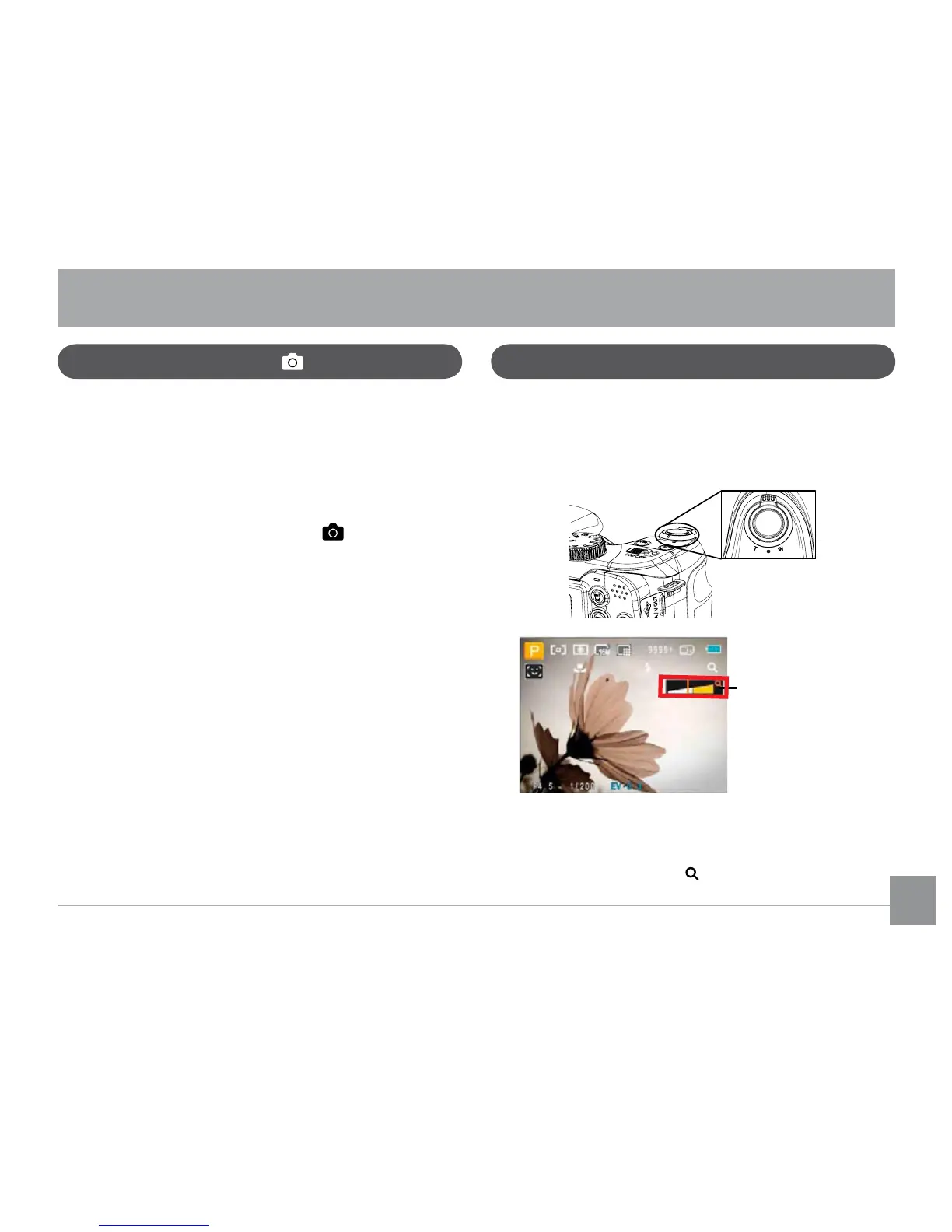
<RXUFDPHUDLVHTXLSSHGZLWKWZRW\SHVRI]RRPIXQFWLRQV
RSWLFDO]RRPDQGGLJLWDO]RRP3UHVVWKH=RRPEXWWRQRIWKH
FDPHUDWR]RRPLQRURXWRIWKHVXEMHFWZKLOHWDNLQJSLFWXUHV
Zoom indicator (See
“Digital Zoom“ on
page 51)
:KHQWKHRSWLFDO]RRPUHDFKHVLWVPD[LPXPYDOXHUHOHDVH
WKH=RRPEXWWRQDQGWKHQSUHVVLWDJDLQIRUWKHGLJLWDO]RRP
WREHJLQ7KH]RRPLQGLFDWRULVKLGGHQDIWHUWKH=RRPEXWWRQLV
released. The screen shows (
IRUWKHFXUUHQW]RRPVWDWXV
Shooting in Auto Mode
Auto mode is the easiest mode to take photos. While
RSHUDWLQJLQWKLVPRGHWKHFDPHUDDXWRPDWLFDOO\RSWLPL]HV
your photos for best results.
To start shooting, do the following:
1. Push ON/OFF to turn on the camera.
2. Switch the Mode dial to Auto mode ( ).
3. Compose your picture on the LCD screen and press the
Shutter button halfway to focus on the subject.
4. The LCD screen will show a green focus frame after the
subject is in focus.
5. Press the Shutter button fully to capture the image.
Using the Zoom Function
BASIC OPERATION
Zoom Wheel



 To Next Page