54
Playback Menu
Mode :
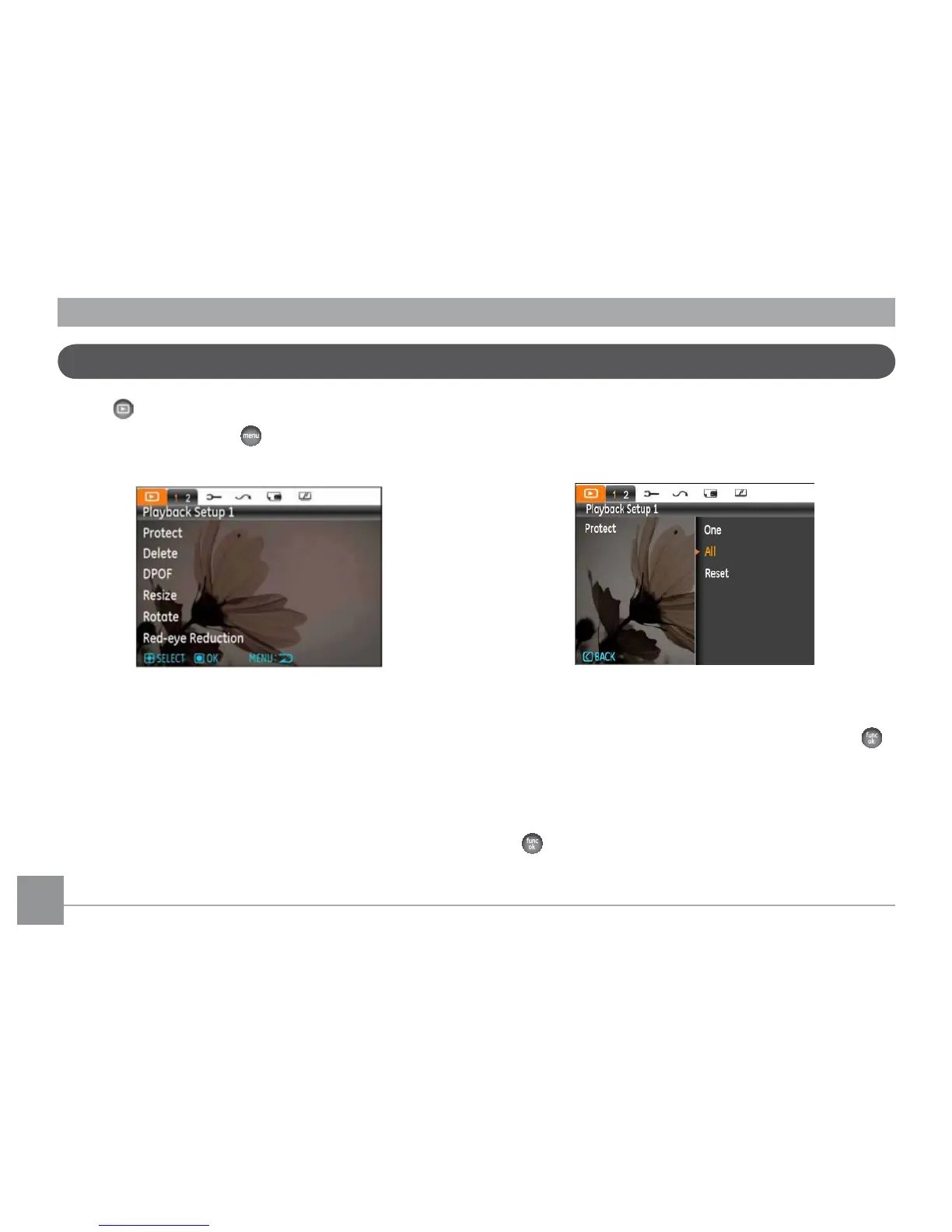
In Playback mode, press the button to enter the Playback
menu.
The following section provides detailed instructions on the
various menu options.
Protect
To prevent any pictures or videos from being accidentally
HUDVHGXVHWKLVVHWWLQJWRORFNRQHRUDOORIWKH½OHV
To protect/unprotect a picture or video:
1.
Use Up/Down arrow button to select Protection, press
or Right button to enter the submenu.
2.
Use Up/Down button to select a single picture to lock
the selected photo or movie; or select all to protect all
photos and movies stored in in-built memory card. Press
EXWWRQWRFRQ½UPDQGHQWHUSKRWRPRYLHSURWHFWLRQ
interface.



 To Next Page