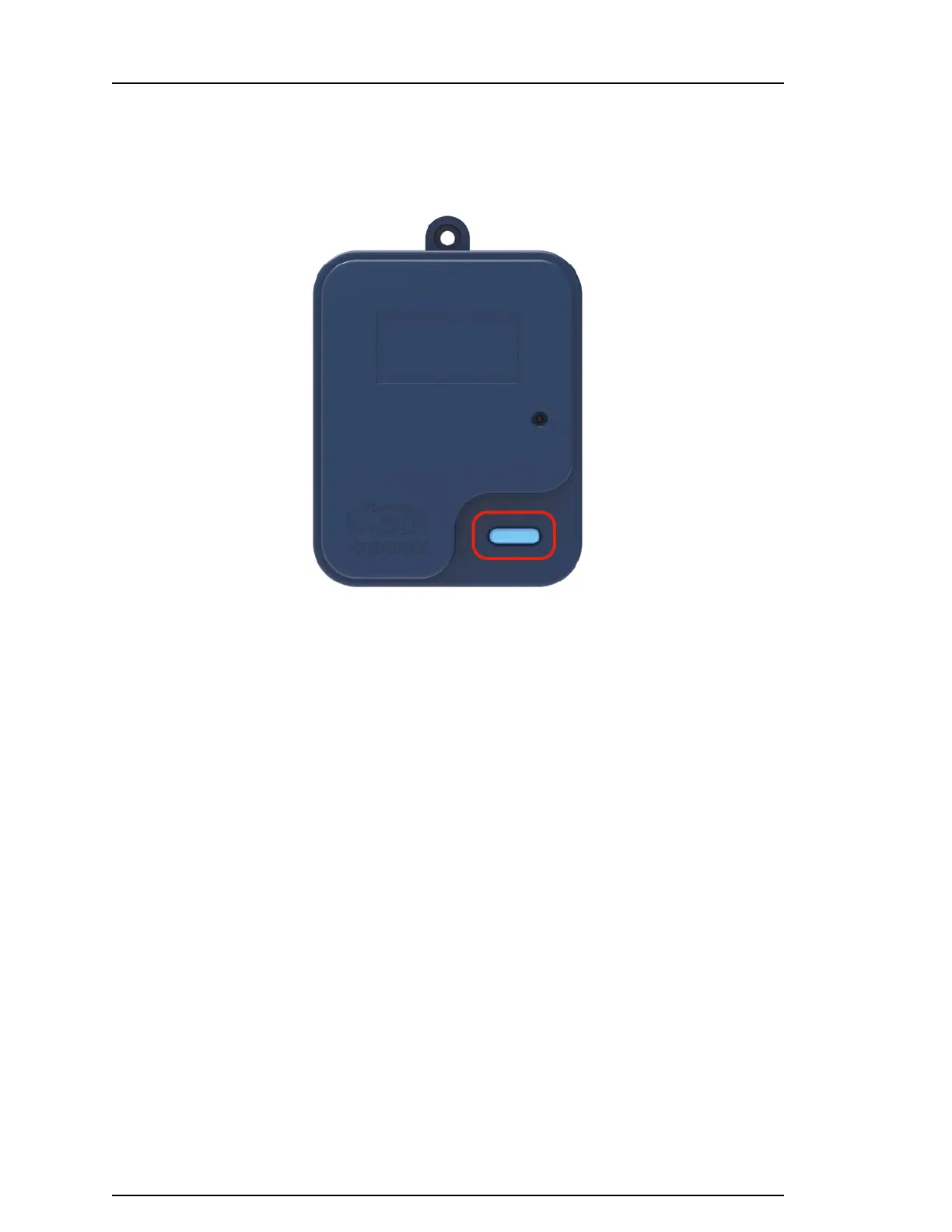
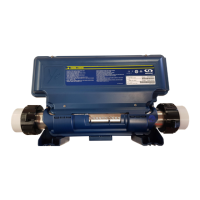
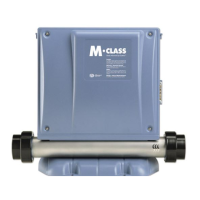
Water Acquisition (CO Module) button and LED status (currently in development)
The CO module of the in.touch 3+ also contains a button with a visible LED status. The main purpose
of the LED is to identify the status of the Gecko waterlab probe or as mentioned in the application
section, enter specified modes such as calibration mode or take on demand samples.
LED Button troubleshooting
Blinking blue LED
This is the normal state of the Water Acquisition
button. If both the CO and EN modules show solid
blue, you are all set! For any other colors or patterns,
refer below for troubleshooting.
Full red LED (in development)
A solid red color would indicate that there is no
probe connected to the CO module. As such,
it is currently impossible to acquire any water
chemistry data. Please verify if a probe is present
and/or if it is connected to the in.touch 3 CO
module.
Full Yellow Light (in development)
A yellow light would indicate that physical
connection has been established with the probe,
but this probe has not yet been identified/associated.
This behaviour is normal once the prob is received
as the association of the probe is done through
the setup flow on the in.touch 3 app. Please refer
to the in.touch 3 app for more details on
the setup flow
Full Purple Light (in development)
A full purple light is an indication that there was an
issue with the latest updates which resulted in a
firmware error. Therefore, the connection between
the water characterisation board and the CO
board may be disrupted. To revert the firmware
to its last firmware, the LED button must be long
pressed (5 seconds). The LED status light should
then start blinking purple at a frequency of about 2
blinks per second. The process of reverting back to
the last update may take up to several minutes.


 To Next Page