15
OPERATING THE HI-DEF DIGITAL SIGNAGE MEDIA PLAYER
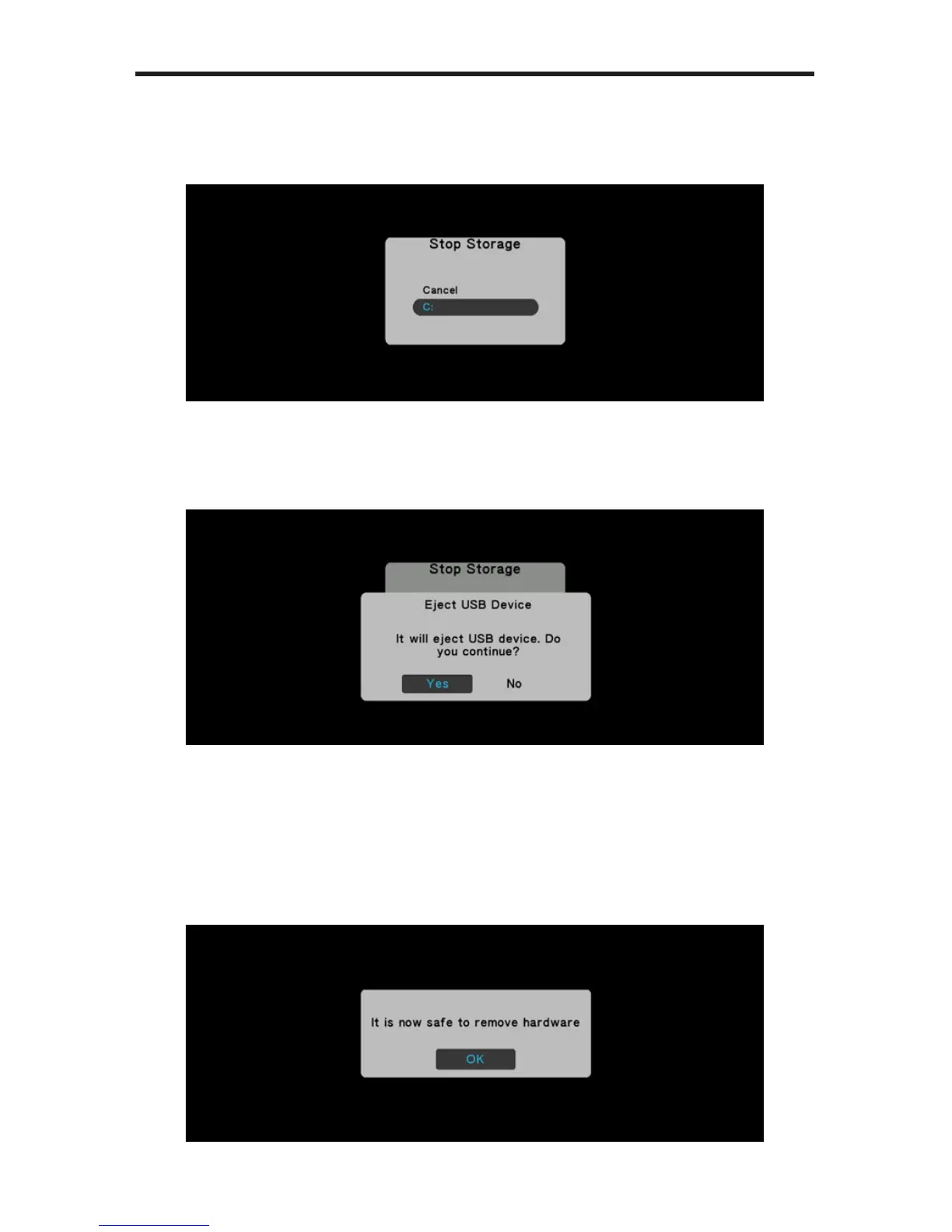
3. The Media Player will prompt you to select which device to stop. In the
example below, only one USB device is connected to the Media Player.
Additional storage would be identied as D, E, F, etc.
4. Highlight the USB device you wish to stop and eject, using the ▲ and ▼
buttons on the IR Remote Control, then press the OK button. The Media Player
will prompt you to conrm the operation:
Select Yes to conrm the operation. Select No to cancel and return to the
Main Menu.
5. If you select Yes, then the following screen will be displayed, indicating that
you may now remove the USB device from the back of the Media Player:



 To Next Page