43
PUSH MODE / PULL MODE
Conguring the FTP Server
The following covers the conguration process for the FTP server. This process
applies whether you are running FTP server software on a PC on a network or
have a dedicated FTP server.
1. The rst step is to create the path and permissions to the directory which the
Hi-Def Digital Signage Media Player will be accessing. In our example from
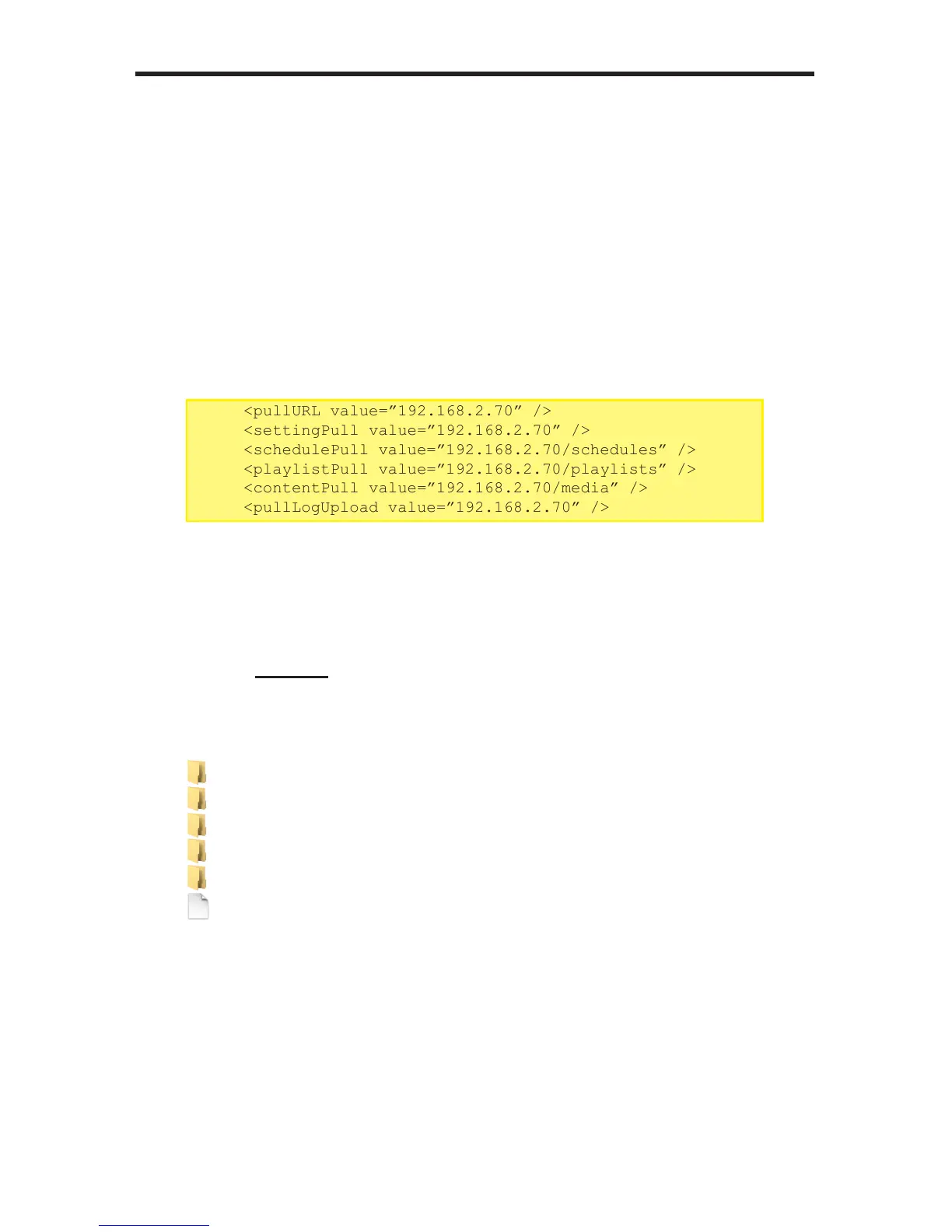
the settings.xml le, we specied the following:
In the example above, the IP address of the FTP server is 192.168.2.70.
2. Create a local directory structure on the FTP server. The directory structure
must be identical to the directory structure on the USB drive.
The settings.xml le must exist in the root directory, as shown below:
3. Congure the FTP server to point to the above directory structure. Only the
parent directory should be specied.
For example, if you create a parent directory called /foo, the /media,
/playlists, and /schedules directory should reside under the /foo
directory.
<pullCong>
<pullModevalue=”enable”/>
<disable/>
<enable>
<pullURLvalue=”192.168.2.70”/>
<settingPullvalue=”192.168.2.70”/>
<schedulePullvalue=”192.168.2.70/schedules”/>
<playlistPullvalue=”192.168.2.70/playlists”/>
<contentPullvalue=”192.168.2.70/media”/>
<pullLogUploadvalue=”192.168.2.70”/>
...
...
Filename Filesize Filetype
..
Logs Filefolder
media Filefolder
playlists Filefolder
schedules Filefolder
settings.xml 2,472 XMLDoc...



 To Next Page