40
PUSH MODE / PULL MODE
Method 2: Conguration using the settings.xml le
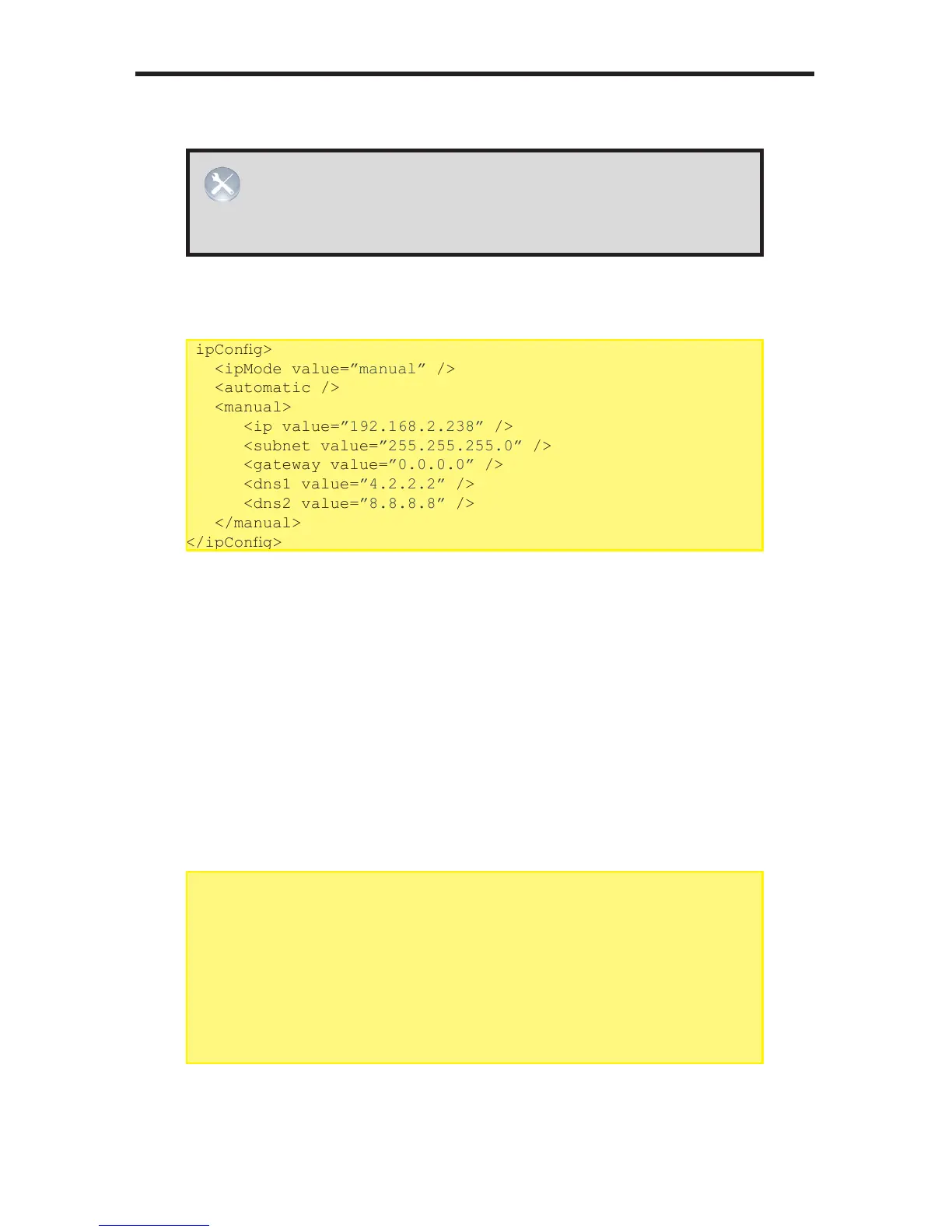
1. Open the settings.xml le and locate the <ipCong> section:
<namevalue=”GefenPlayer”/>
<ipCong>
<ipModevalue=”manual”/>
<automatic/>
<manual>
<ipvalue=”192.168.2.238”/>
<subnetvalue=”255.255.255.0”/>
<gatewayvalue=”0.0.0.0”/>
<dns1value=”4.2.2.2”/>
<dns2value=”8.8.8.8”/>
</manual>
</ipCong>
<osdCong>
2. DHCP or a static IP address can be used:
a) If DHCP is being used, then set the <ipModevalue> tag to
automatic. Any information under the <manual> tag will be ignored.
b) If a static IP is being used, then the <ipModevalue> tag should be
set to the IP address that will be assigned to the Hi-Def Digital Signage
Media Player. In addition, Subnet, Gateway, and DNS server values
must be specied.
3. Next, locate the <pullCong> tags:
<pullCong>
<pullModevalue=”enable”/>
<disable/>
<enable>
<pullURLvalue=”192.168.2.70”/>
<settingPullvalue=”192.168.2.70”/>
<schedulePullvalue=”192.168.2.70/schedules”/>
<playlistPullvalue=”192.168.2.70/playlists”/>
<contentPullvalue=”192.168.2.70/media”/>
<pullLogUploadvalue=”192.168.2.70”/>
...
...
ADVANCED: Before editing the settings.xml le, it is recommended
that you are familiar with XML (eXtended Markup Language). If you
are unfamiliar with XML, you should review pages 45 and 46 before
continuing.



 To Next Page