14
OPERATING THE HI-DEF DIGITAL SIGNAGE MEDIA PLAYER
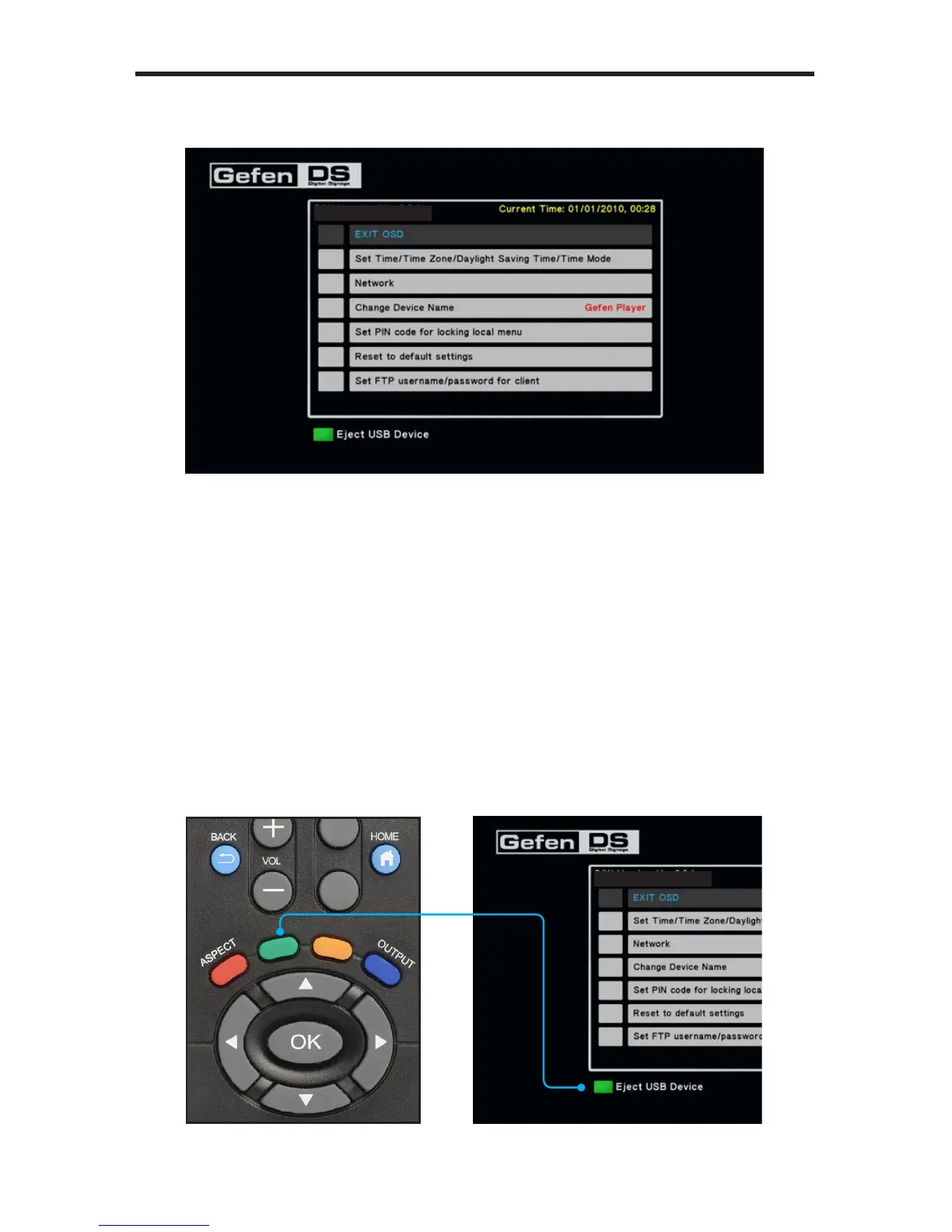
4. After entering the correct PIN code, the Main Menu will be displayed.
Safely Removing the USB Storage Device
In Stand-Alone Mode, it will be necessary to remove the USB
storage device from the Media Player in order to update schedule les,
playlist les, and content. To safely remove the USB storage device, use the
EJECT button on the IR Remote Control Unit.
1. Access the Main Menu in order to stop the playback of all content.
2. Press the EJECT button on the IR Remote Control Unit. Note that the
bottom portion of the Main Menu also identies the EJECT button on the IR
Remote Control Unit.
S/W Version: Ver.0.9.7.3
S/W Version: Ver.0.9.7.3



 To Next Page