54
FORMATTING USING EXT3
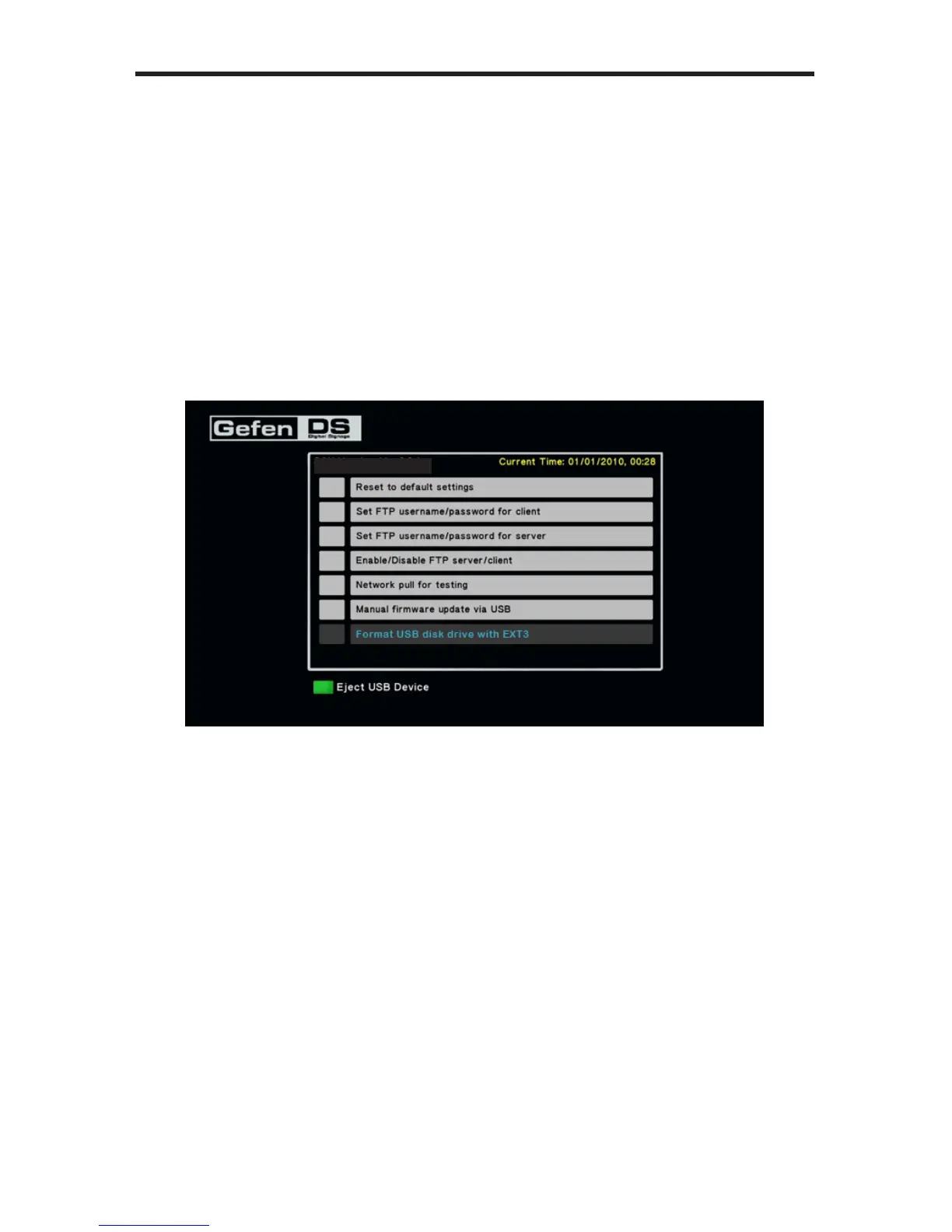
Formatting the USB drive using ext3
The Digital Signage Media Player allows USB drives to be formatted using the
ext3 le system from within the built-in menu system. The ext3 (third extended
le system) is a journaled le system used by the Linux kernel.
1. Press the Home button on the IR Remote Control.
2. Use the numeric keypad on the included IR Remote Control to enter the PIN
code to access the Menu System.
3. Select Format USB disk drive with EXT3.
4. Press the OK button on the IR remote.
5. The Format Storage dialog will be displayed.
6. Select drive C: and press the OK button to begin the format process.
S/W Version: Ver.0.9.7.3



 To Next Page