37
PUSH MODE / PULL MODE
Pull Mode
In this next section, we will discuss Pull Mode. When we refer to Pull Mode, we
are describing a process whereby content is (automatically) “pulled from” an
FTP server to the Hi-Def Digital Signage Media Player. In this conguration, the
Hi-Def Digital Signage Media Player becomes the FTP client. Pull Mode is highly
desirable when managing multiple units on a network: Instead of uploading new
content manually to each box, Pull Mode can be used to schedule the transfer of
new / updated content on a daily or hourly basis.
Conguring Pull Mode on the Hi-Def Digital Signage Media Player can be
changed through the OSD or from within the settings.xml le. Both methods
will be presented here.
Method 1: Conguration using the OSD
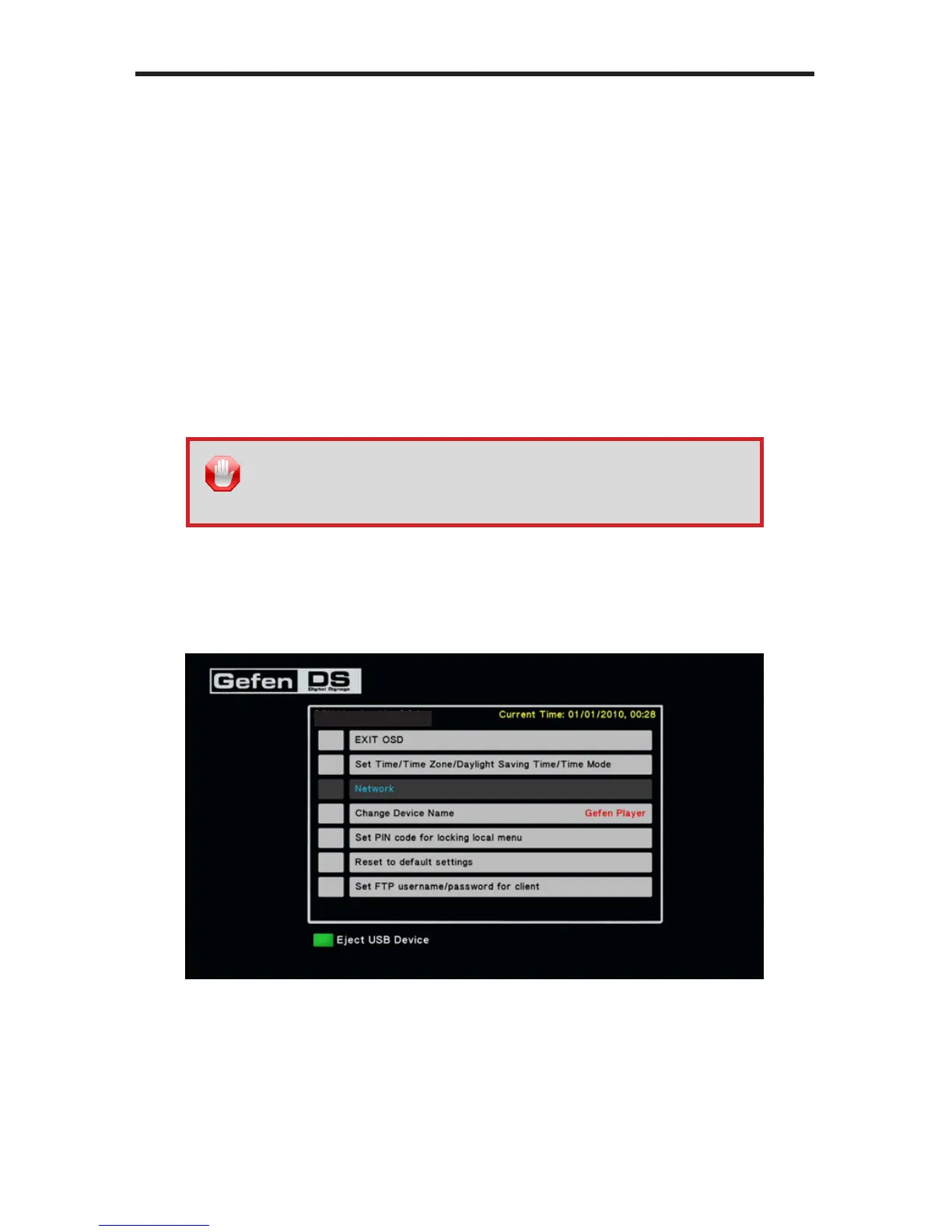
1. Open the OSD and select the Network option.
2. Select either DHCP IP (automatically assigns the IP address from the pool)
or FIX IP. The FIX IP option will require you to provide the correct IP
address, Subnet mask, Default Gateway, and DNS server address.
STOP: Before making any changes to the Hi-Def Digital Signage
Media Player, through the OSD, make sure that the USB drive is
connected to the Media Player.
S/W Version: Ver.0.9.7.3



 To Next Page