30
PUSH MODE / PULL MODE
Method 1: Conguration using the OSD
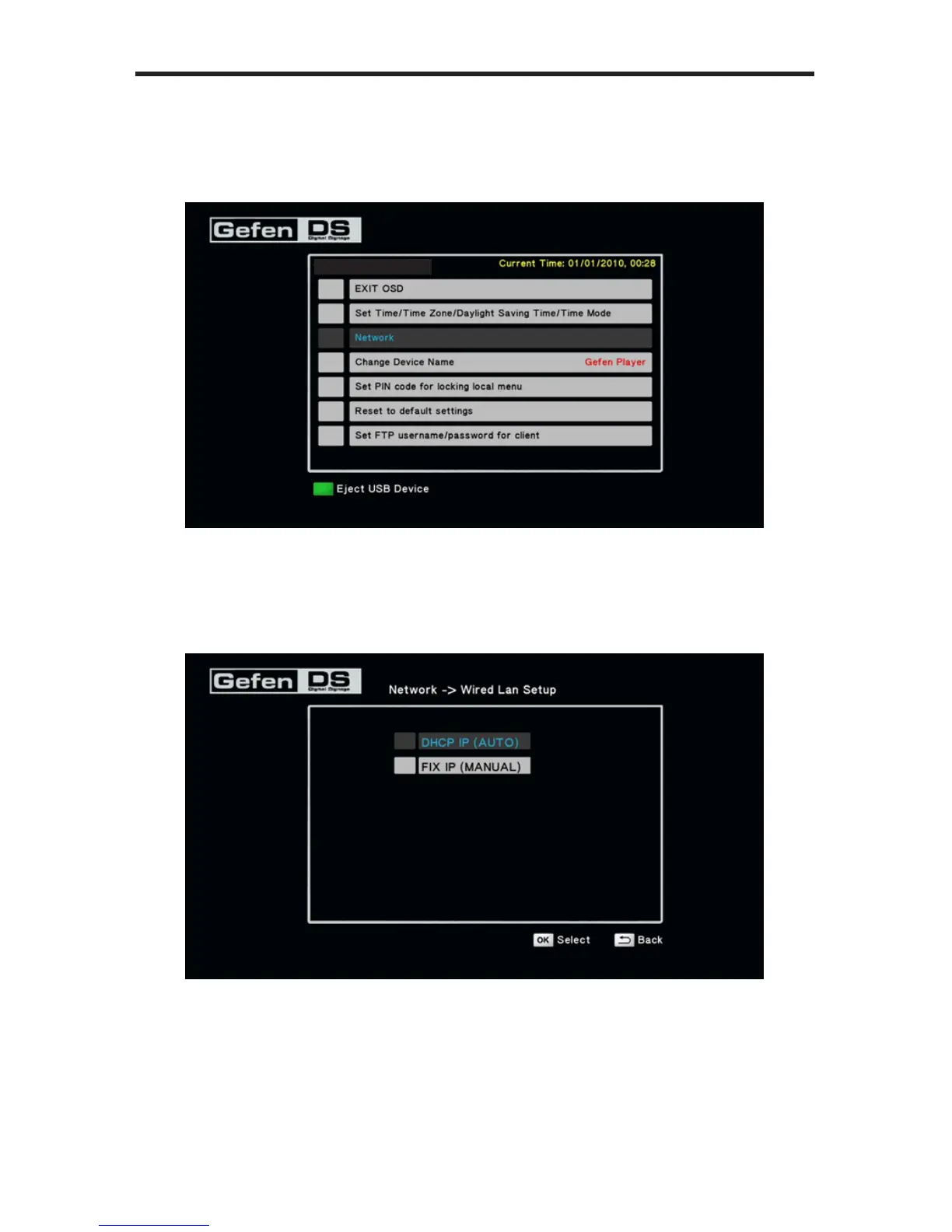
1. Open the OSD and select the Network option.
2. Select either DHCP IP (AUTO) which automatically assigns the IP address
from the pool. The FIX IP (MANUAL) option will require you to provide the
correct IP address, Subnet mask, Default Gateway, and DNS server ad-
dress.
3. Press the OK button on the IR Remote to accept the changes.
S/W Version: Ver.0.9.7.3



 To Next Page