20
STAND-ALONE MODE
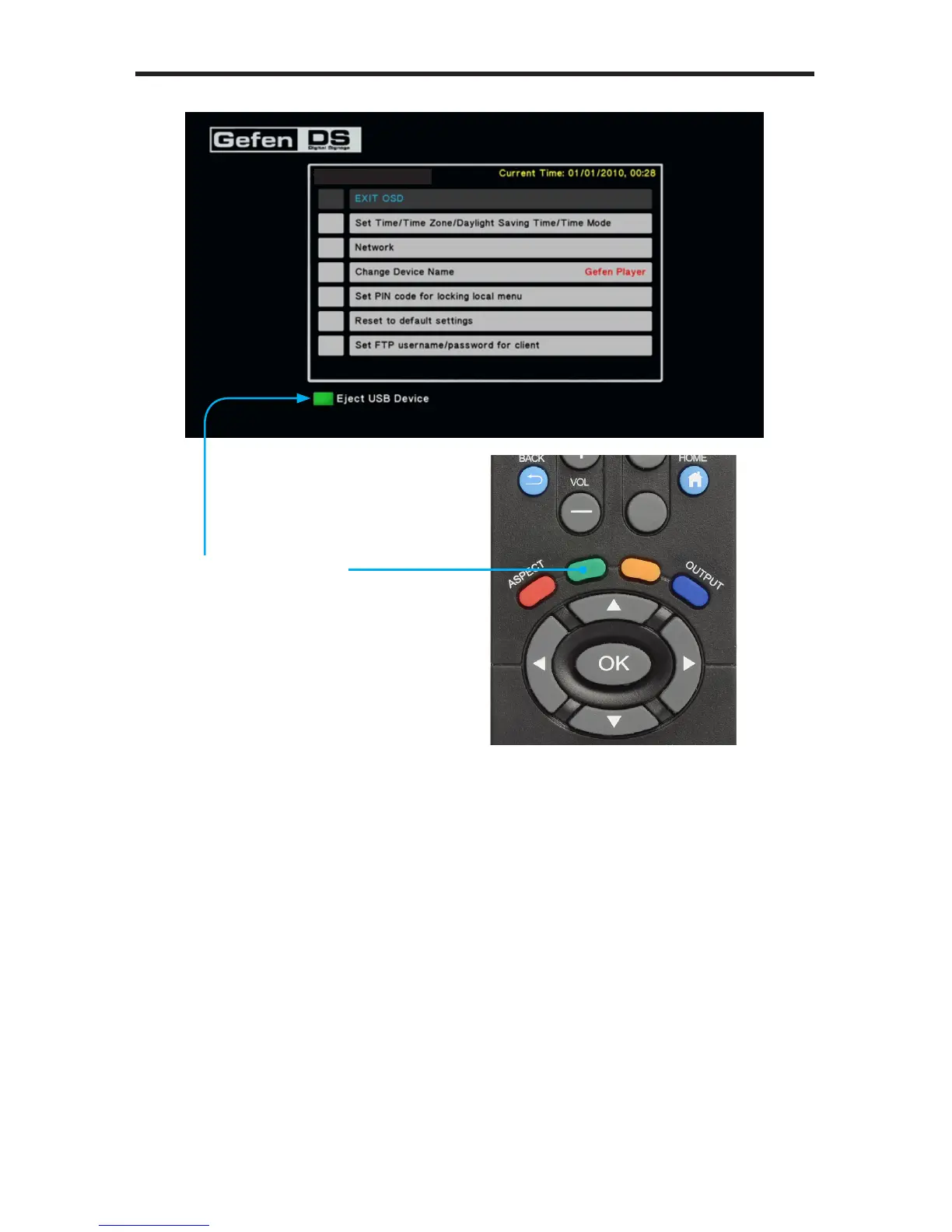
Refer to page 14 for details on ejecting the USB drive from the Media Player.
5. Remove the USB device from the back of the Media Player and connect it to
your computer.
6. On the USB drive, locate the schedule.gsh le under the /schedules
directory.
Next, we will edit the Schedule le in order to change what is displayed on
the screen.
Eject USB Device
Indicates that the green button
on the IR Remote Control is
used for safe removal of the
USB device.
S/W Version: Ver.0.9.7.3



 To Next Page