56
FIRMWARE UPDATE
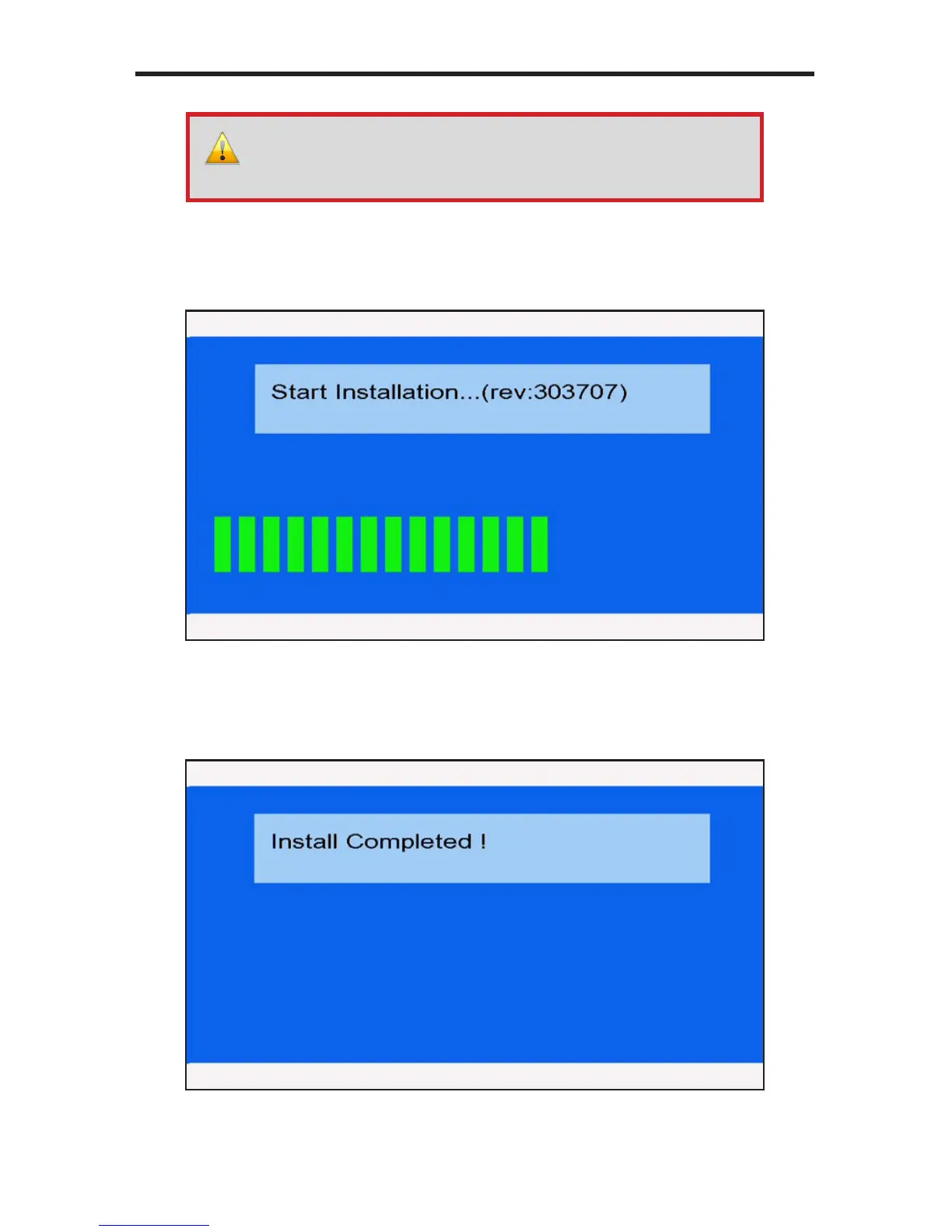
5. The following set of screens will be displayed as the update process
is taking place:
6. After the update process has completed successfully, the following screen
will be displayed. The Hi-Def Digital Signage Media Player will then return to
the Input PIN Code screen.
WARNING: Do not disconnect power or remove the USB drive
during the rmware update process. Doing so may cause the unit to
function improperly or lock up in an unrecoverable state.



 To Next Page