12
MENU SYSTEM
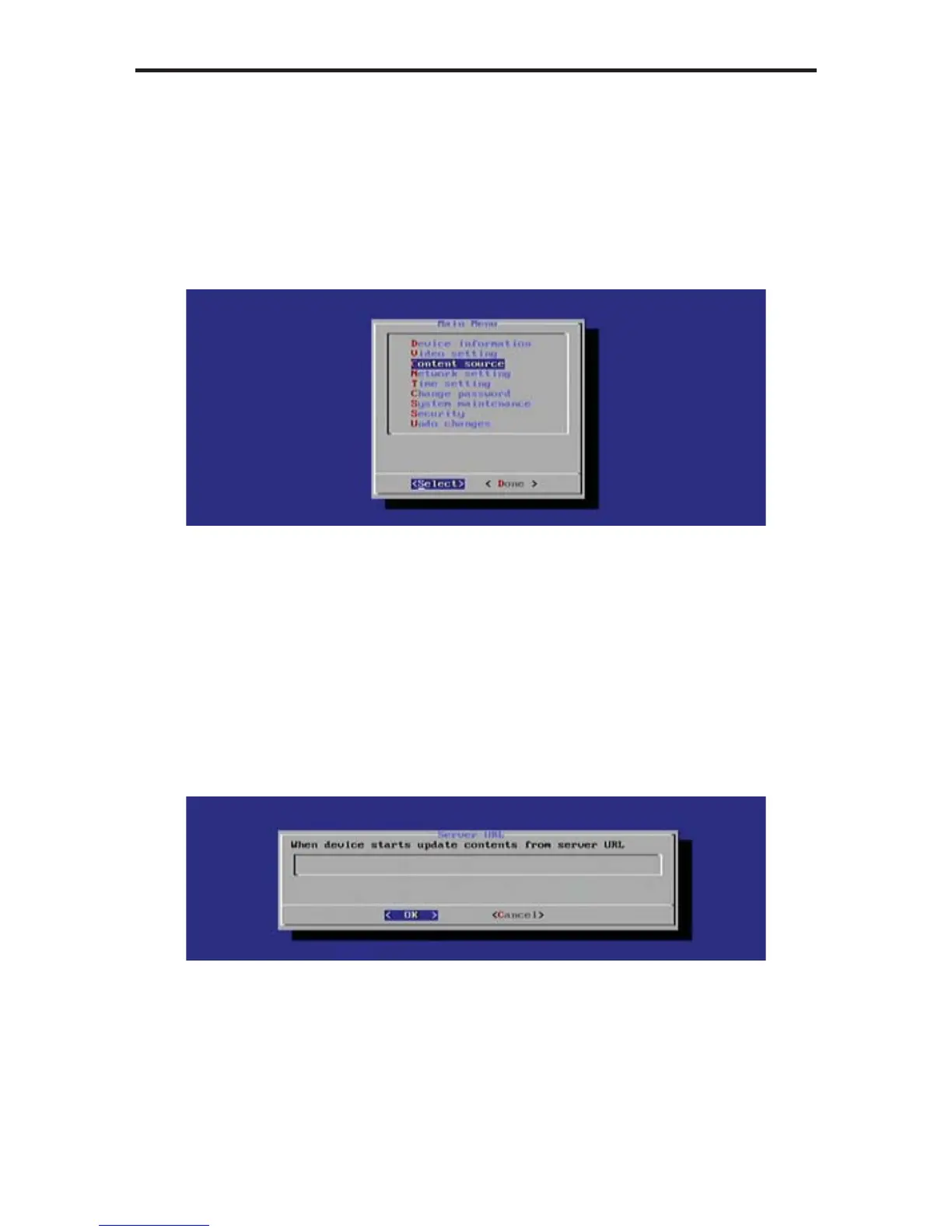
Setting the Content Source
If the Digital Signage content is stored on a server, the server URL must be
specifi ed. Once the Digital Signage Player is fi nished booting, the unit will
retrieve the content from the specifi ed server. This process is not required if
using a USB drive for playing Digital Signage content.
1. Select the Content Source option from the Main Menu.
2. Press the Enter key to display the Content Source dialog. The available
options on this dialog are:
• Server URL
• Player Name
The Server URL option will be highlighted by default.
3. Press the Enter key to change or specify a server where the Digital Signage
content will be stored.
4. Enter the server URL, then press the Enter key to confi rm the change.
5. Select Done from the Main Menu to save the changes.



 To Next Page