14
MENU SYSTEM
Connecting the Digital Signage Player to a Network using DHCP
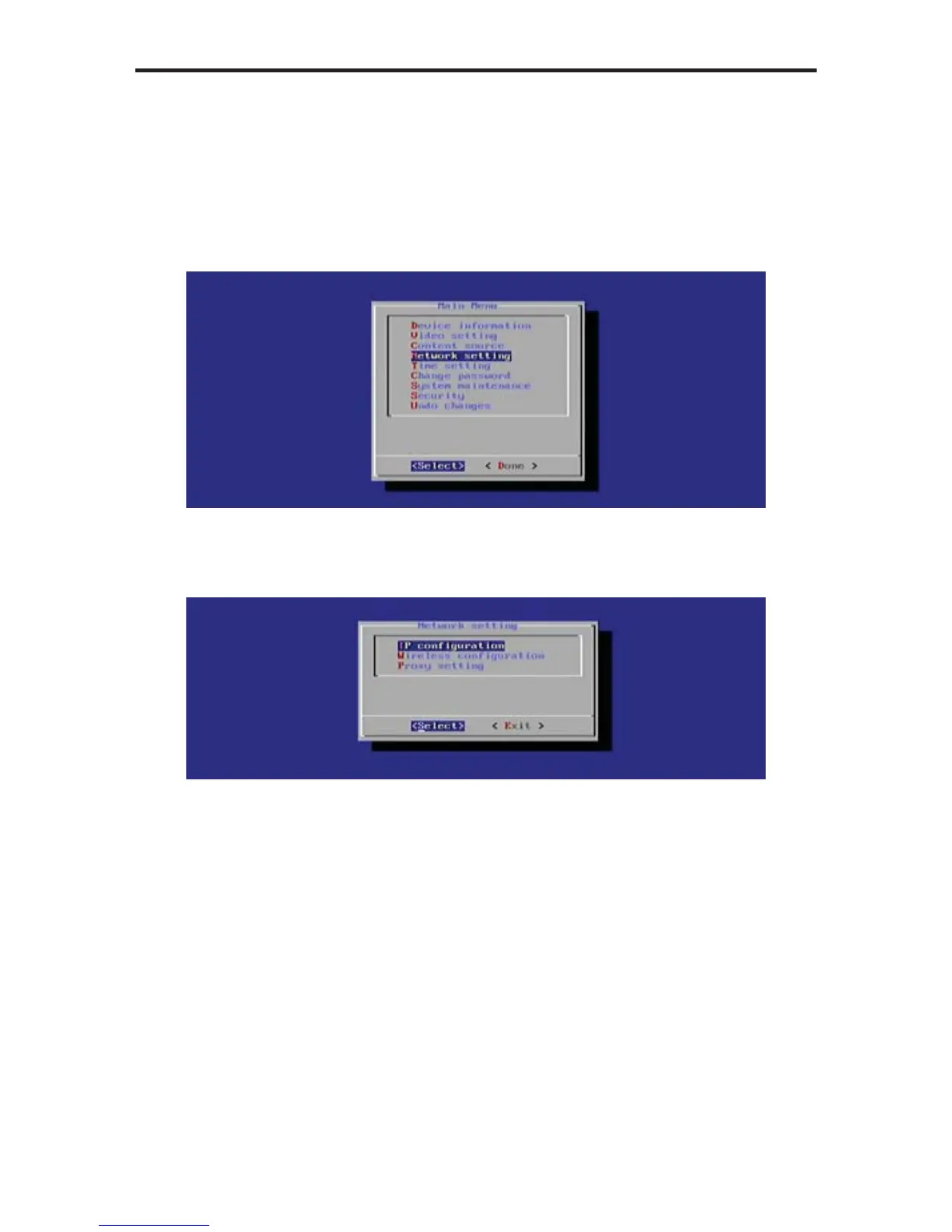
1. Highlight the Network Setting option in the Main Menu.
The Digital Signage Player will automatically scan for wireless networks
during the boot-up sequence. When an Ethernet connection is used, the
Wi-Fi will be disabled.
Press the Enter key to display the Network Setting dialog. The IP
Confi guration option is selected by default.
The Network Setting dialog provides the following options:
• IP Confi guration
• Wireless Confi guration
• Proxy Setting
3. Press the Enter key to display the IP Confi guration dialog.



 To Next Page