15
MENU SYSTEM
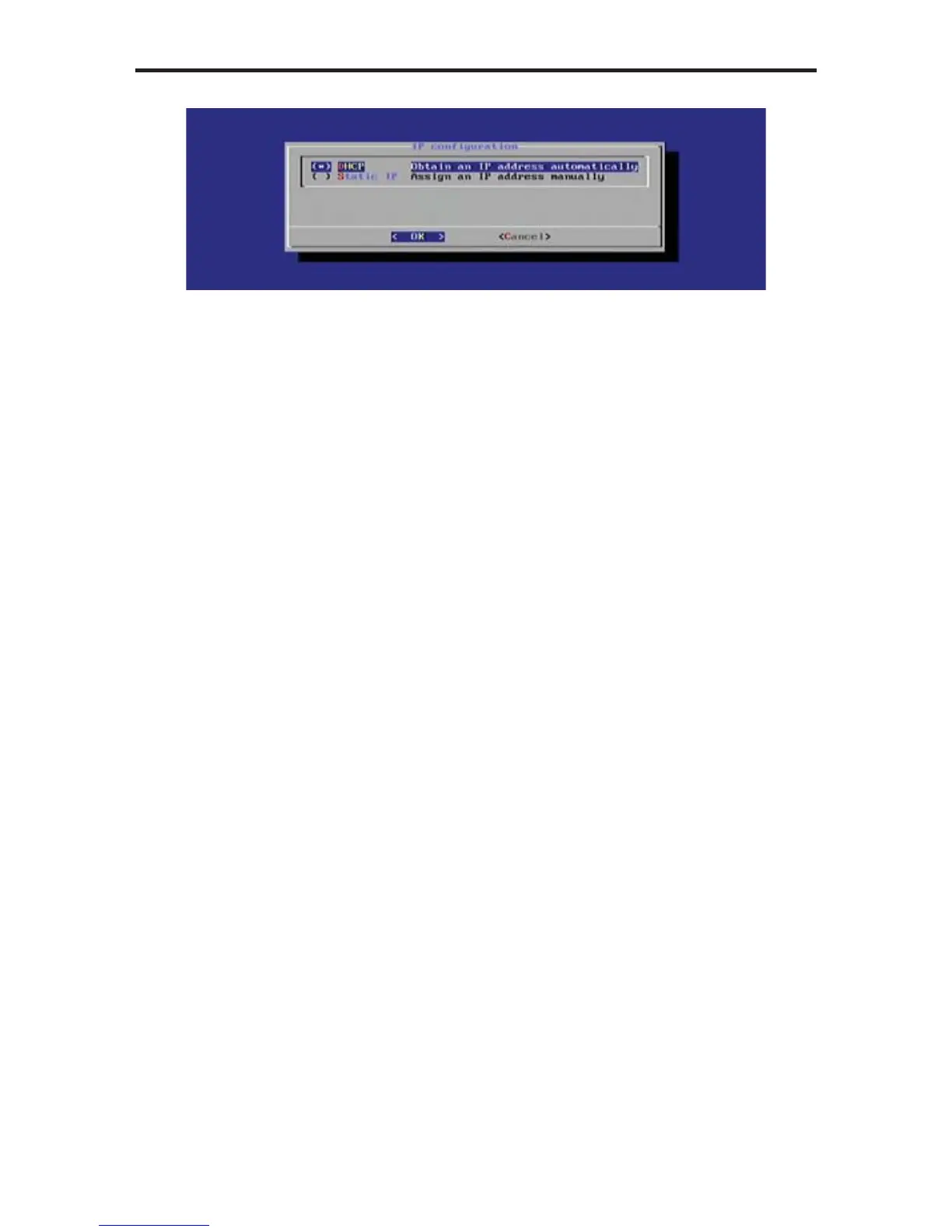
Under the IP Confi guration dialog, select between:
• DHCP
• Static IP
By default, DHCP is enabled. The DHCP setting will automatically assign
a network IP address for the Digital Signage Player. If DHCP will be used,
then no further network confi guration should be necessary.
4. Press the Enter key to return to the Network Setting dialog.
5. Select the Exit button from the Network Setting dialog and press the Enter
key.
6. Select Done from the Main Menu and select Yes to save the changes.



 To Next Page