31
SIGNAGE MANAGER EXPRESS
Installing the Signage Manager Express
The Signage Manager Express allows the creation and publishing of digital
signage presentations and playback schedules.
Minimum System Requirements:
• 1 GHz AMD or Intel CPU
• 512 MB RAM
• Windows XP, Windows Vista, or Windows 7
• DirectX 9
• Microsoft .NET framework 3.0
NOTE: Signage Manager Express requires Microsoft .NET
framework. If the Signage Manager Express software cannot
be installed, it is recommended to update to the latest .NET
framework and then install the Signage Manager Express.
1. Download the latest version of the Signage Manager Express installer from
the Gefen Web site at: http://www.gefen.com/kvm/support/download.jsp
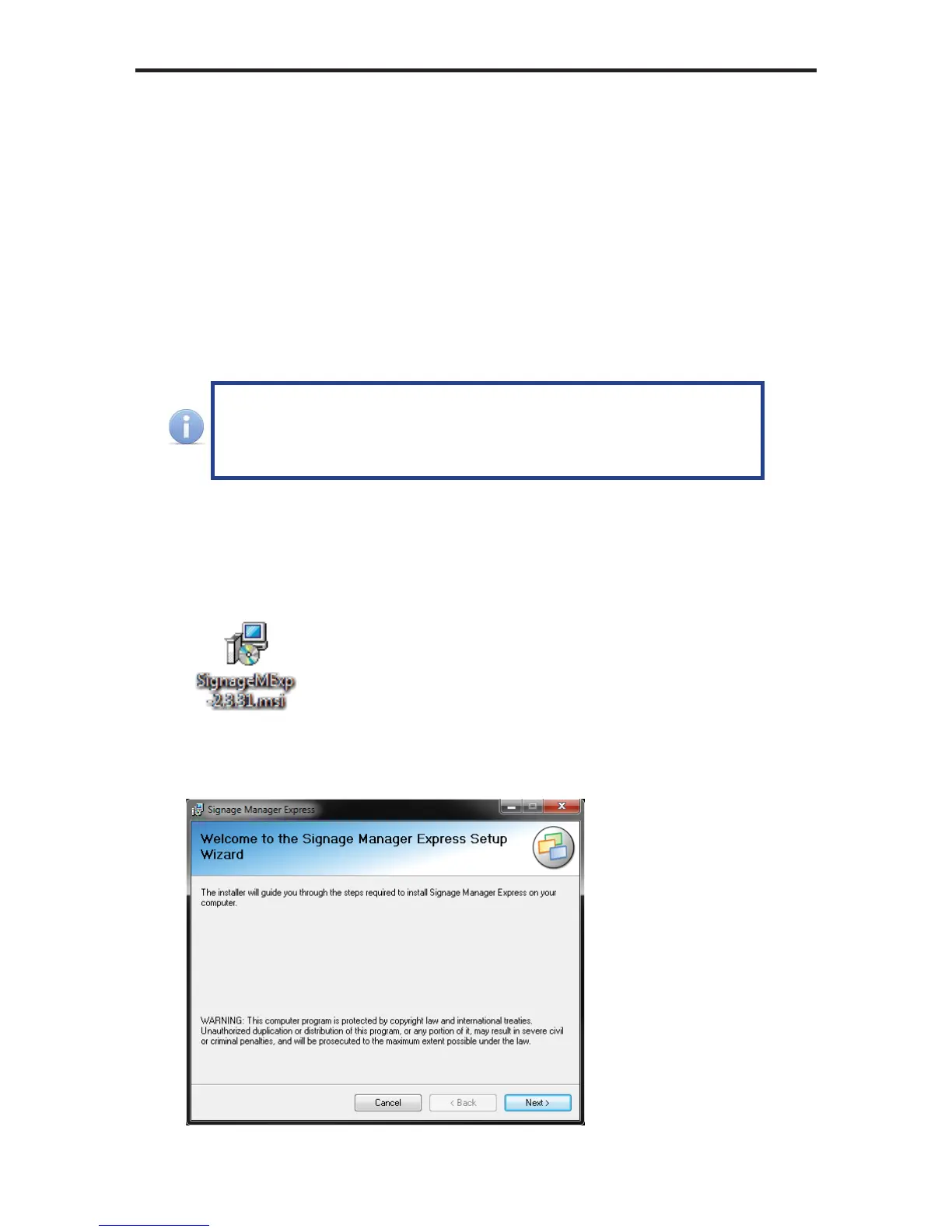
2. Double-click the .msi fi le to run the installation wizard.
3. The installer Welcome screen will be displayed. Follow the instructions on
each screen of the installer.



 To Next Page