21
MENU SYSTEM
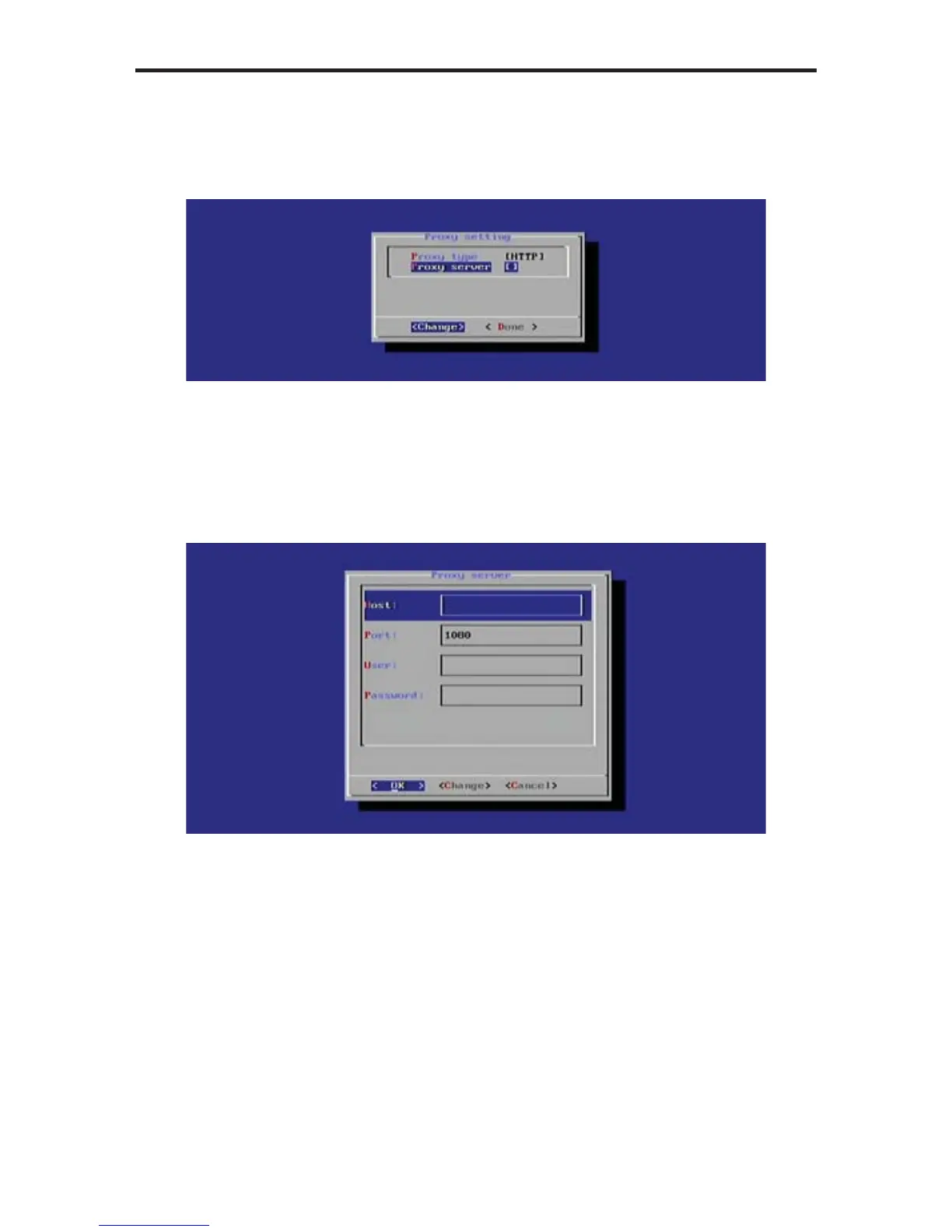
Changing the Proxy Server
1. Select Proxy Server from the Proxy Settings dialog, then press the Enter
key.
2. Enter the required information in the Proxy Server dialog box:
• Host
• Port
• User
• Password
3. Use the Change option to modify the information in each fi eld. After each
fi eld has been fi lled with the proper information, highlight OK and press the
Enter key.
4. Select Done from the Main Menu to save the changes.



 To Next Page