26
MENU SYSTEM
Setting the Time Server
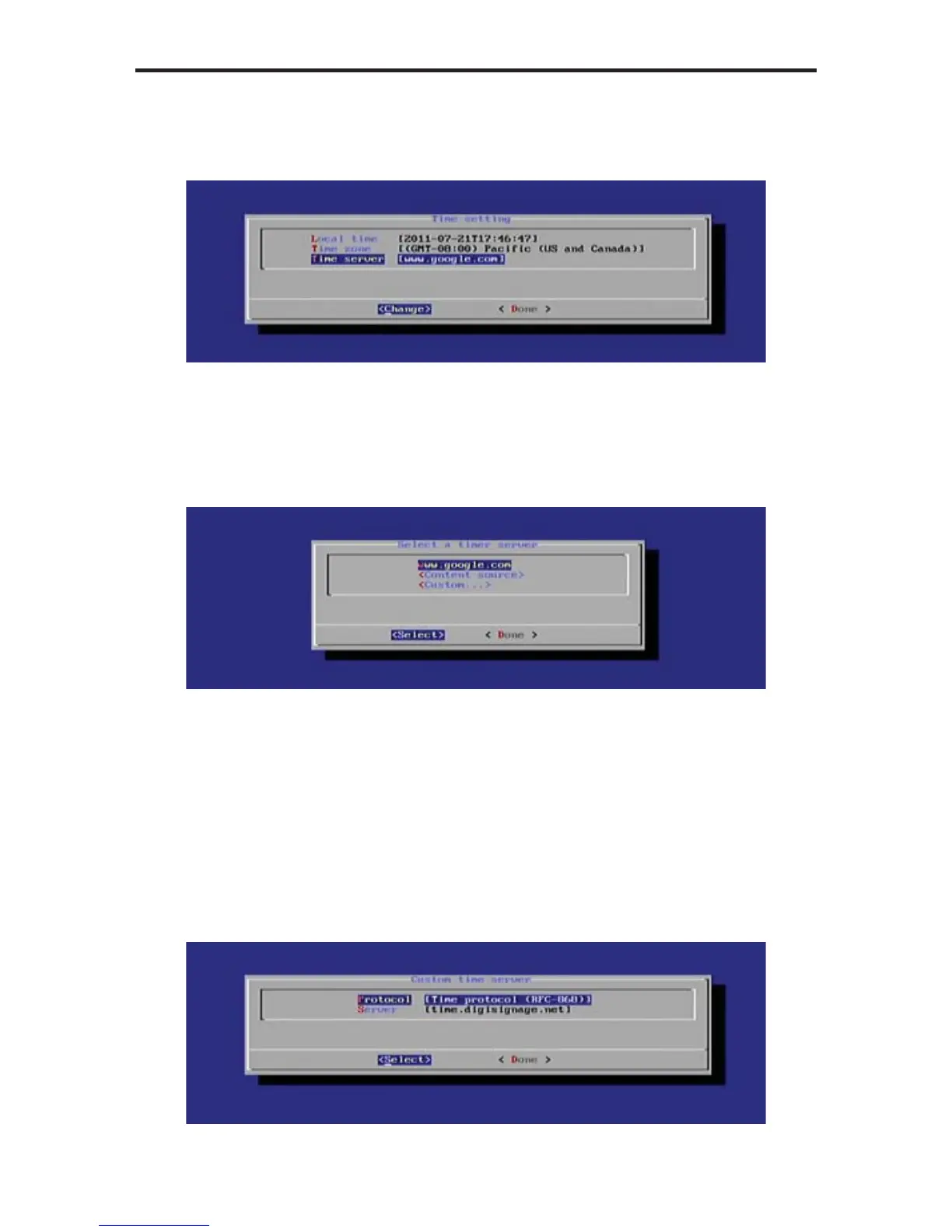
1. Select Time Server from the Time Settings menu and press the Enter key.
The currently selected time server will be displayed, along with two other
options:
• Content Source
• Custom...
In the example above, www.google.com is specifi ed as a timer server.
If the Content Source option is selected, the Digital Signage Player will use
the time and date from the same server which provides the Digital Signage
content.
2. To change the Time Server settings, highlight the Custom... option and
press the Enter key. By default the Protocol setting for the Time Server
is set to: [Time Protocol (RFC-868)].



 To Next Page