44
SIGNAGE MANAGER EXPRESS
Adding Video
The Digital Signage Player has the ability to add video to your presentation as
well as images. In this next section, we will combine both video and audio to our
sample presentation.
1. Starting with our current project, use the scroll bar and select the
next-to-the-last template on the far right. This template contains 1 video
window, 2 image windows, and 1 ticker window.
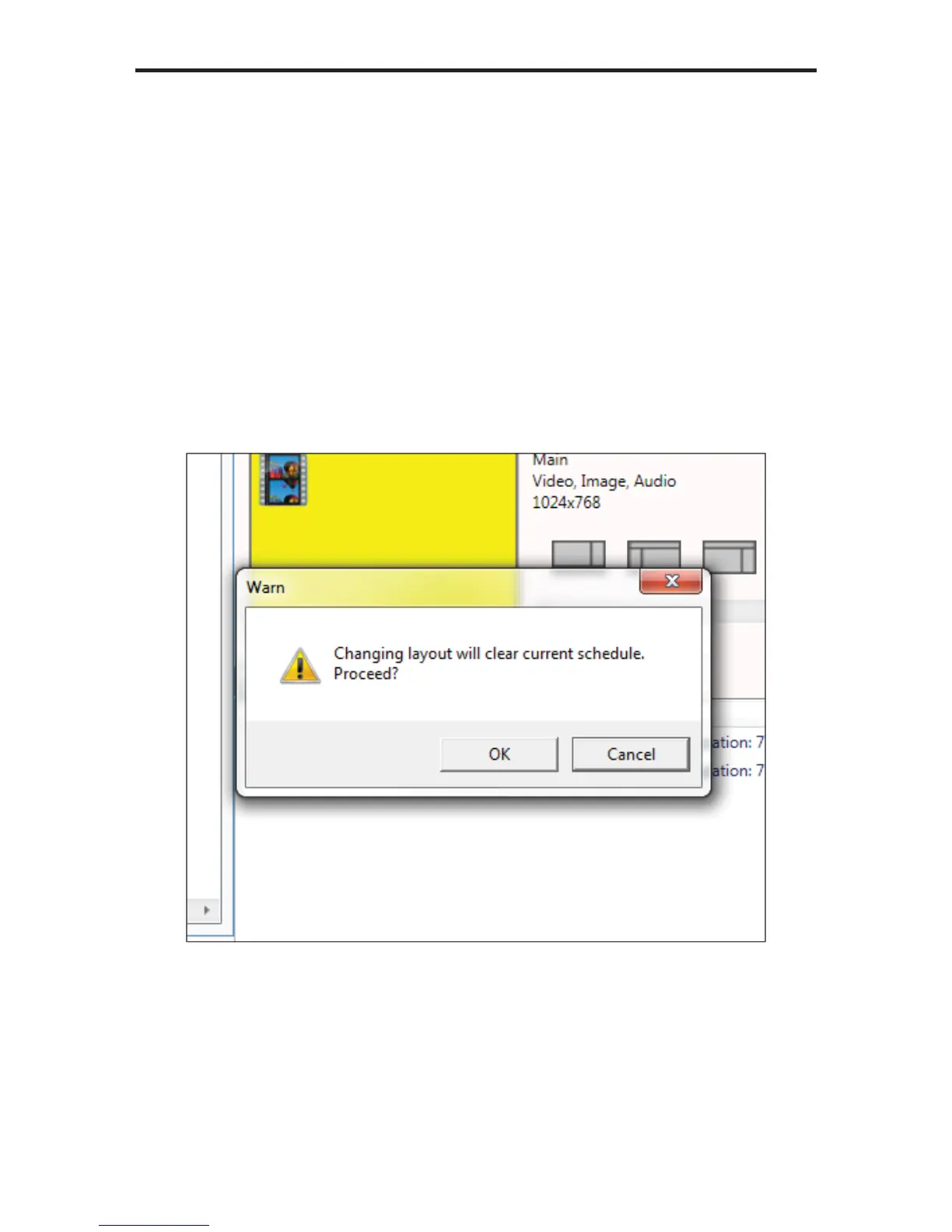
The Digital Signage Player will ask you if you want to change the current
layout.
2. Click the OK button to proceed.
The template layout will change and provide a preview of what information
can be added.



 To Next Page