29
MENU SYSTEM
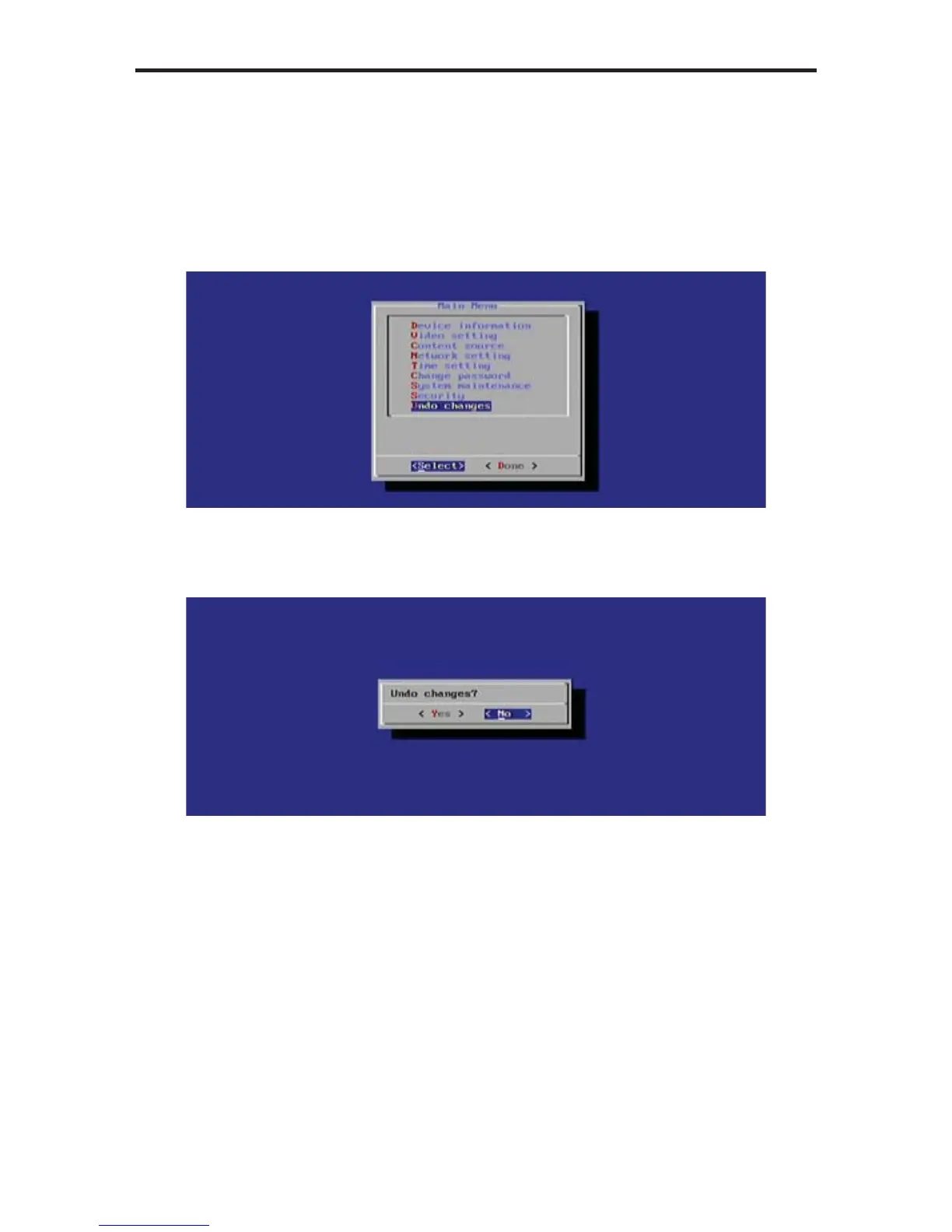
Undo Changes
Any changes made to the Digital Signage Player can be reset to their previous
state by selecting the Under Changes option from the Main Menu.
1. Select Under Changes from the Main Menu.
2. Press the Enter key. The following dialog will be displayed:
By default, the No option is highlighted. Select Yes, then press the Enter
key to undo all previous changes.
3. Select Done from the Main Menu to save the changes.



 To Next Page