42
SIGNAGE MANAGER EXPRESS
Changing the Display Interval
By default, the display interval between the images is set to 7 seconds. This
interval can be changed.
1. Click the Back to schedule button on the top portion of the menu.
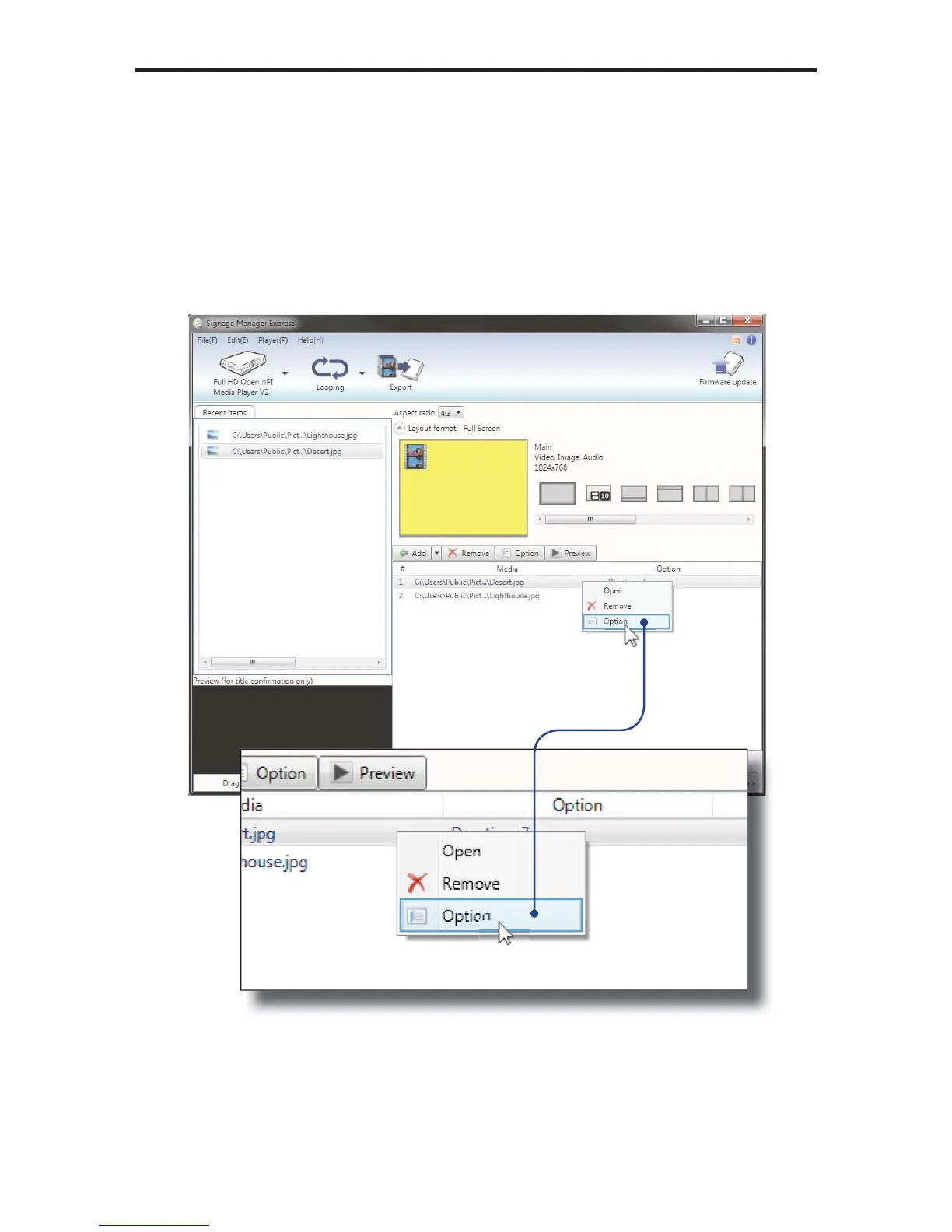
2. Highlight one of the images under the Media fi les window and right click the
mouse to bring up the context menu. Then, click on Option.



 To Next Page