33
SIGNAGE MANAGER EXPRESS
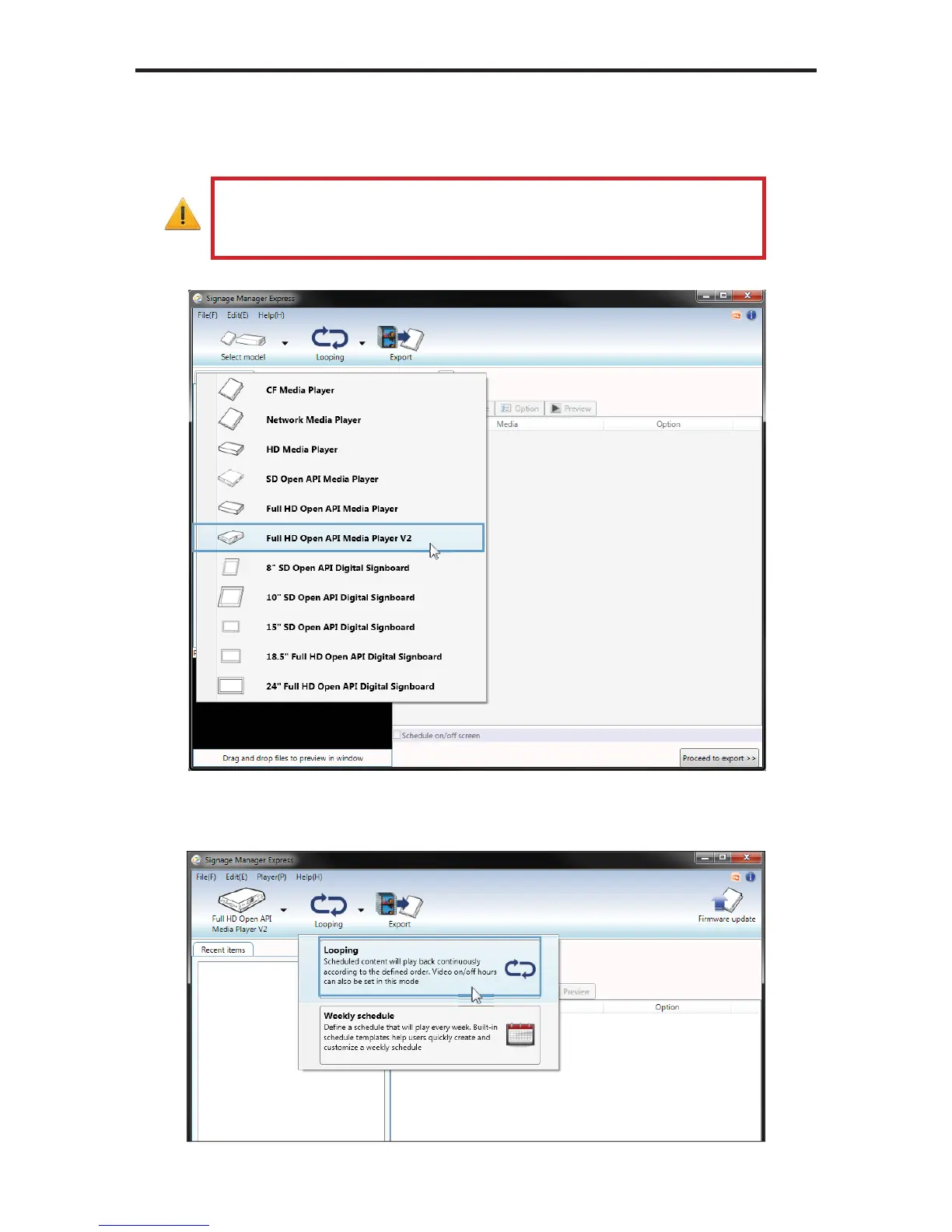
4. Click the icon in the top left corner of the Signage Manager Express and
select Full HD Open API Media Player V2 from the list of available units.
IMPORTANT: Do not select a player other than the The Full HD
Open API Media Player V2. Other players will not be compatible
with this software.
5. Click the Looping icon. The Signage Manager Express provides the option
for looping the content or defi ning a schedule. Looping is the default setting.



 To Next Page