50
SIGNAGE MANAGER EXPRESS
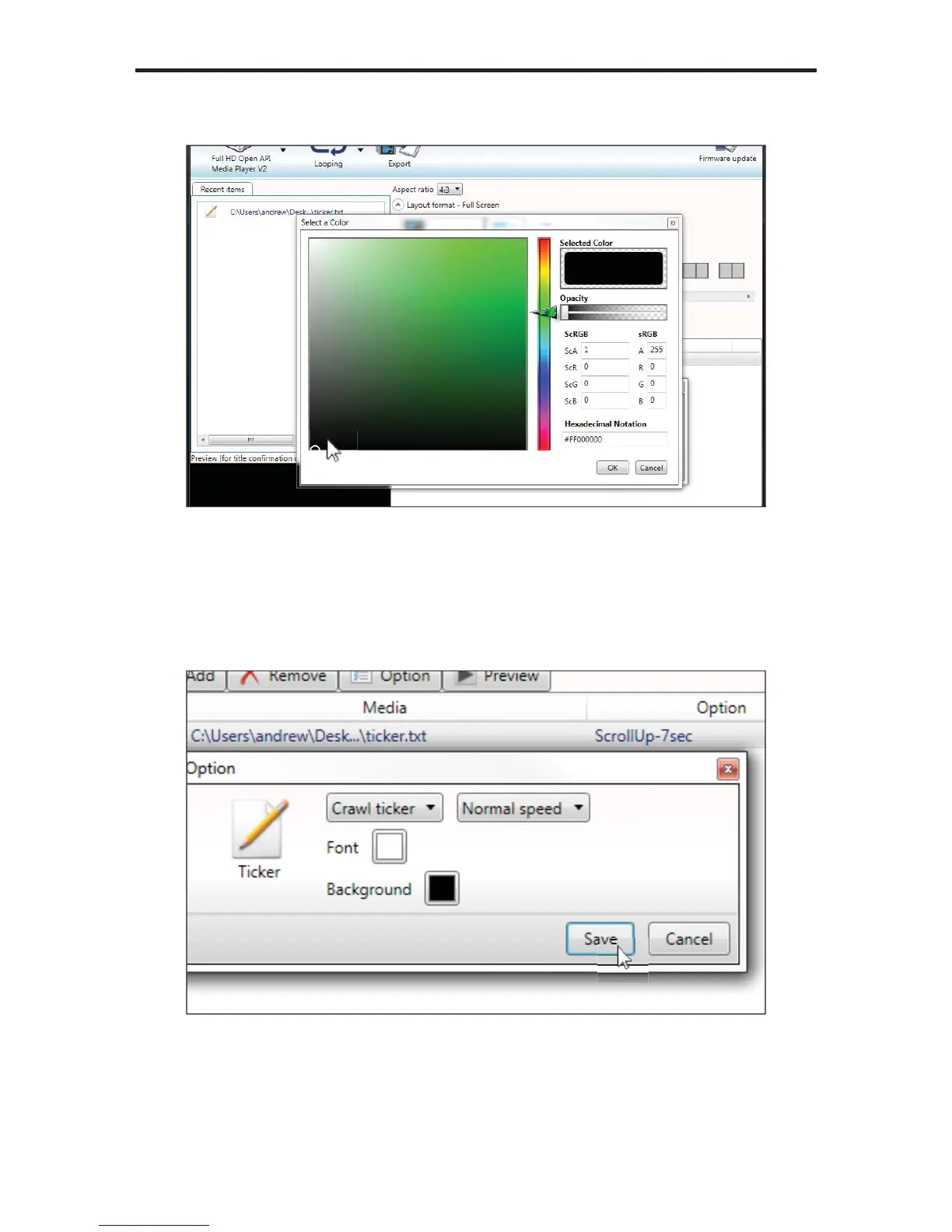
5. Click the Background color to bring up the color picker.
6. Change the color to black and click the OK button.
7. For now, leave the Font color white.
8. Select the Crawl ticker option and leave the speed set to Normal speed.
Then, click the Save button.
9. Click the Proceed to export button, then click the Export button on the
following screen in order to update the Digital Signage Player.



 To Next Page