917001/CP0905 19
¾ Disables the lift arm, auxiliary hydraulics, attachment tilt and wheel drives
whenever the operator leaves the seat, turns the keyswitch to Off or raises the
restraint bar.
Testing the Safety Interlock System
Before exiting the machine, check the safety interlock system for proper operation:
Restraint Bar
With the engine running, raise the restraint bar. Test each of the controls. There
should be no more than a slight movement of the lift arm, hitch and machine. If
there is any significant movement, troubleshoot and correct the problem immedi-
ately. Contact your dealer if necessary.
Seat Switch
With the engine off and the restraint bar lowered, unfasten the seatbelt, and lift
your weight off the seat. Try to start the engine. If the engine starts, turn off the
engine, troubleshoot and correct the problem. Contact your dealer if necessary.
ROPS/FOPS
The ROPS/FOPS (Roll-Over/Falling Object Protective Structure) is designed to
provide protection for the operator from falling objects and in case the loader tips
or rolls over, provided the operator is secured inside the ROPS by the seatbelt and
restraint bar.
Never operate the loader with the ROPS/FOPS
removed or locked back.
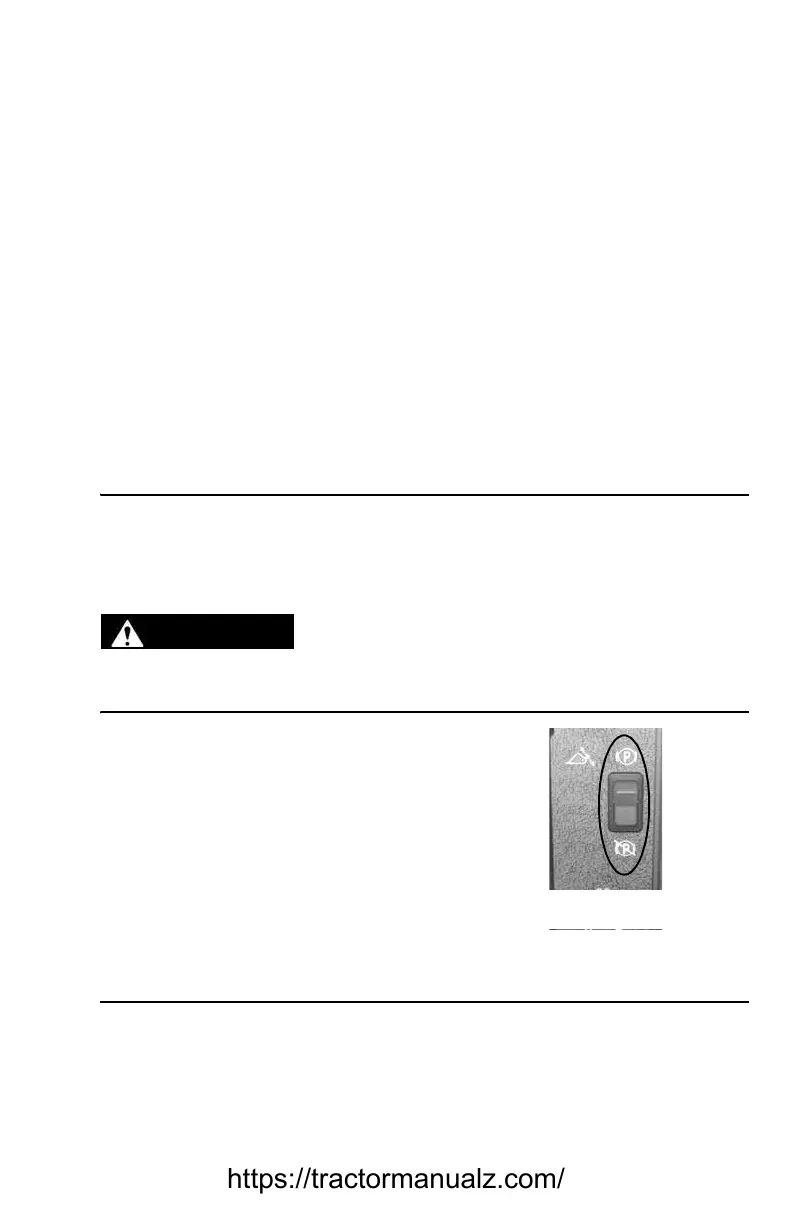
Parking Brake
This skid-steer loader is equipped with a
spring-applied, hydraulic-released park-
ing brake. The parking brake engages
when the operator lifts the restraint bar,
exits the seat or shuts off the engine. The
brake can also be applied manually by
using the switch located on the left con-
trol panel of the ROPS/FOPS. A red indi-
cator lights on the left control panel when
the parking brake is applied.
Horn
Pressing the button on the lower right portion of the control handle sounds the
horn (optional on all models).
WARNING
Figure 2 Parking Brake Switch
https://tractormanualz.com/



 To Next Page