Upgradeable PDU Instruction Manual26
© 2017 Geist
GM1157
NOTE
Most computers will have a single Ethernet NIC installed, but a WiFi or
3G adapter will also show as a NIC in this list, so be sure to choose the
correct entry.
Double-click on the network adapter's entry in the Network Connections list to open its status dialog
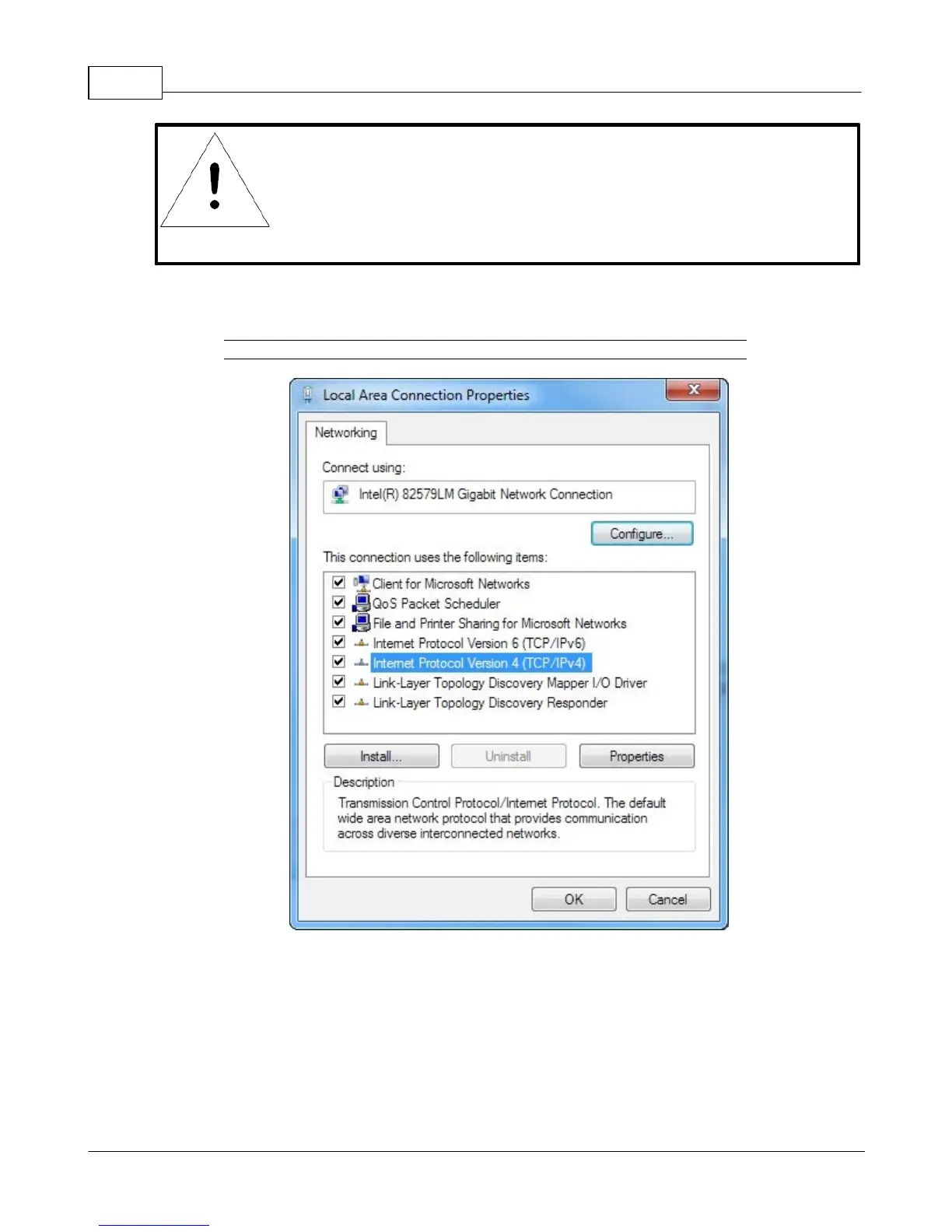
box, then click the Properties button to open the Local Properties window.
Figure 2-16 Local Area Connection Properties
Find the entry titled "Internet Protocol Version 4 (TCP/IPv4)" in the list, then click the Properties
button to open the Internet Protocol Properties window. If you see more than one TCP/IP entry, as in
the example above, the computer may be configured for IPv6 support as well as IPv4; make sure to
select the entry for the IPv4 protocol. Write down the current NIC card settings so you can restore them
to normal after you have completed the setup procedure.



 To Next Page