16
(2) Press Capture button to start recording video.
Press again to stop.
4.8 Play Back
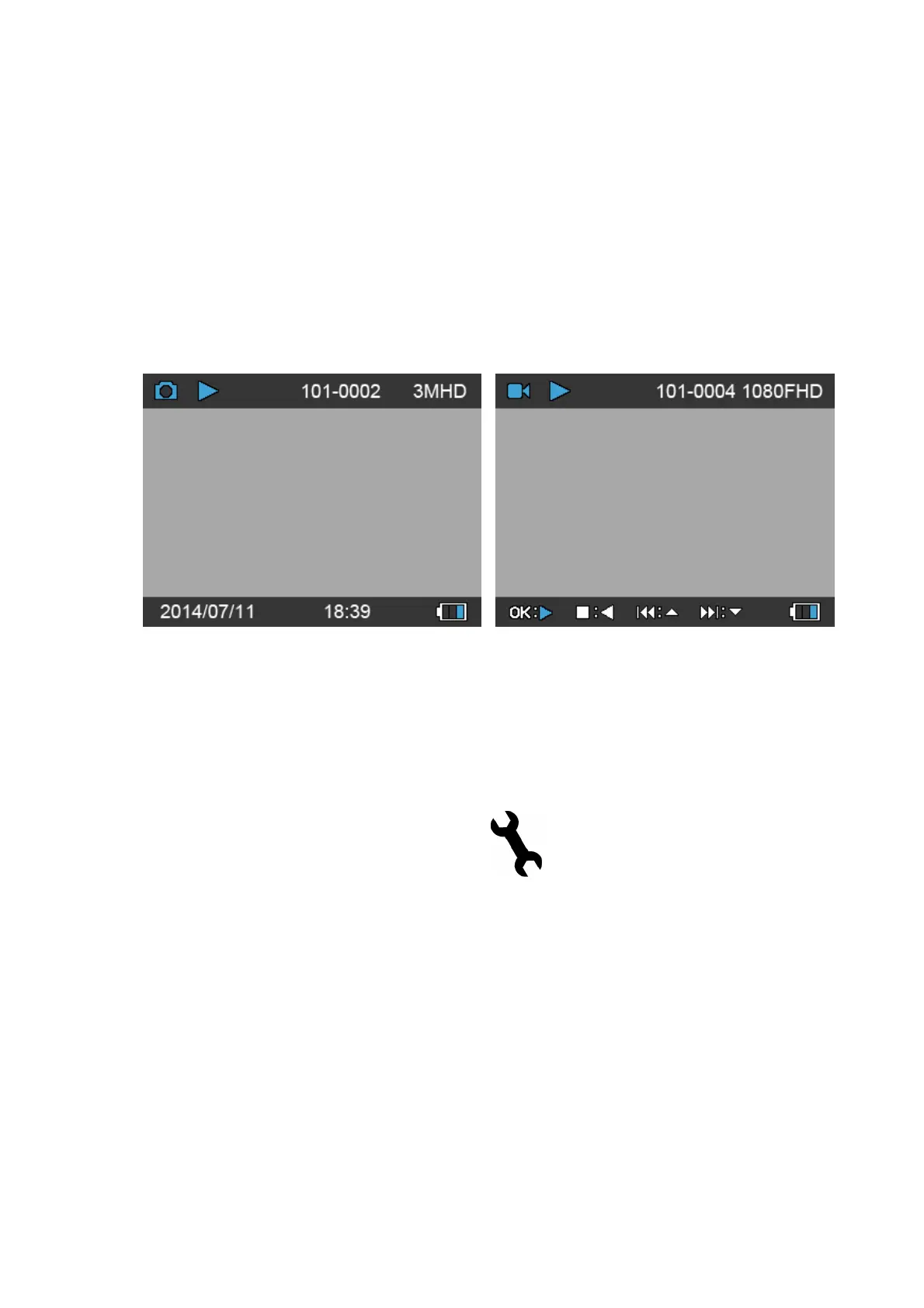
(1) Press Playback/Left to enter play back mode as
follows. There is review icon on the left corner.
(2) Press UP/DOWN to select among captured
pictures and video clips.
Delete
At play back mode, press
to enter sub-menu as
follows, then confirm delete.


 To Next Page