25
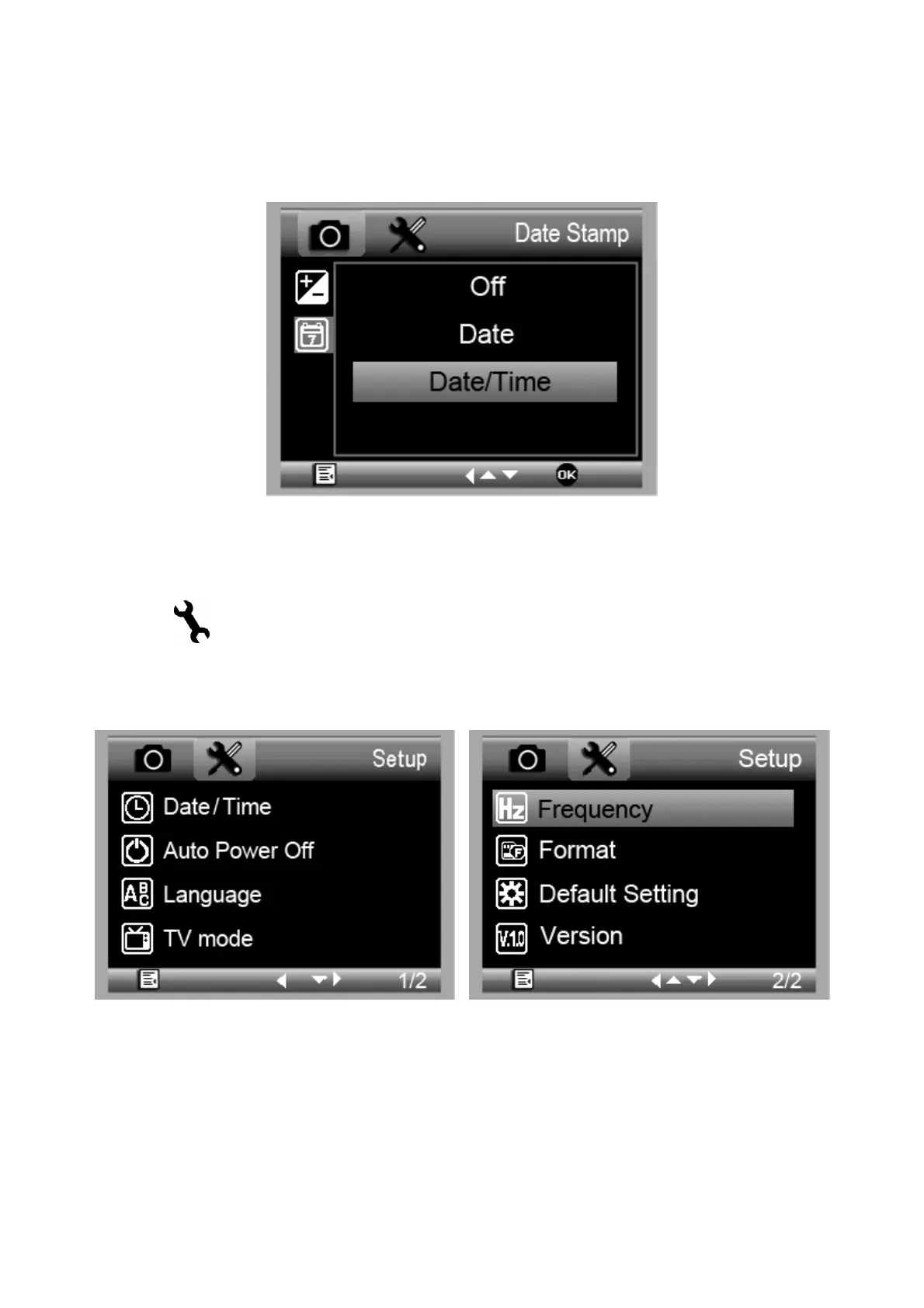
5.1.6 Date Stamp
From the main menuⅠ, choose Date Stamp and then
select a target option.
5.2 Main Menu Ⅱ
Press
to enter main menu I, and then press LEFT◄
button to enter Main Menu Ⅱ as follows:
Here you can setup Date/Time, Auto Power Off,
Language, TV mode, Frequency, Format, Default Setting,
and Version.



 To Next Page