36
■ Calibration and Measurement
Please make calibration before measurement.
Calibration
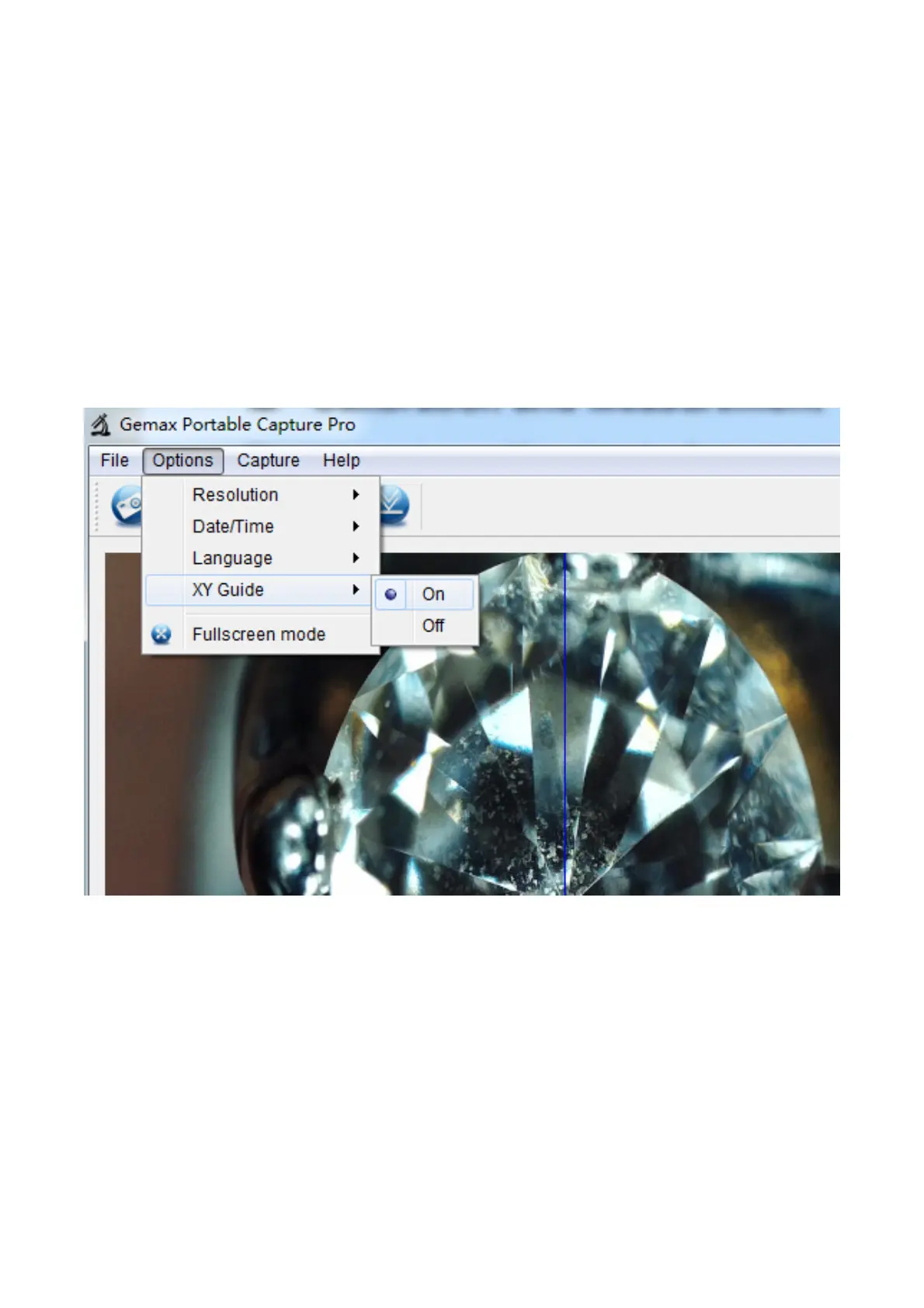
Display XY Guide from ‘Options>XY Guide’’.
It’s used to check the dial is parallel or not.
1. Focus microscope on the attached dial and then adjust
the magnification till the picture is clear. Take a picture for
the selected area when the dial is parallel to the crossing
as below.


 To Next Page