26
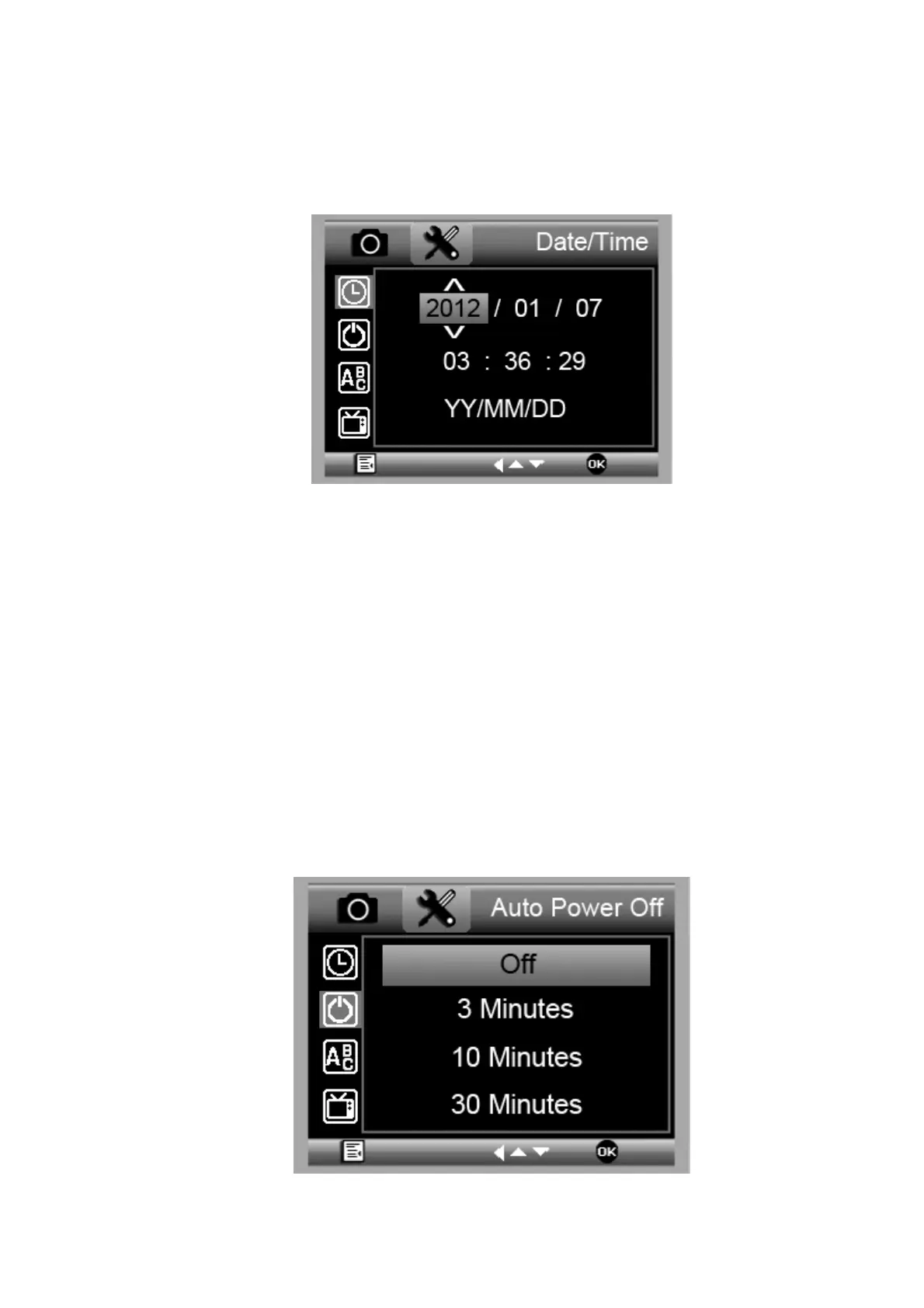
5.2.1 Date/time
From the main menu Ⅱ, choose Date/Time to setup
date and time.
1) Setup date and time by LEFT◄./UP▲/DOWN
▼buttons
2) Setup date mode among YY/MM/DD, DD/MM/YY,
and MM/DD/YY.
5.2.2 Auto Power Off
From the main menu Ⅱ, choose Auto Power Off and
then select among the following a target time then press
OK button, for the microscope to power off without key
operation.


 To Next Page