38
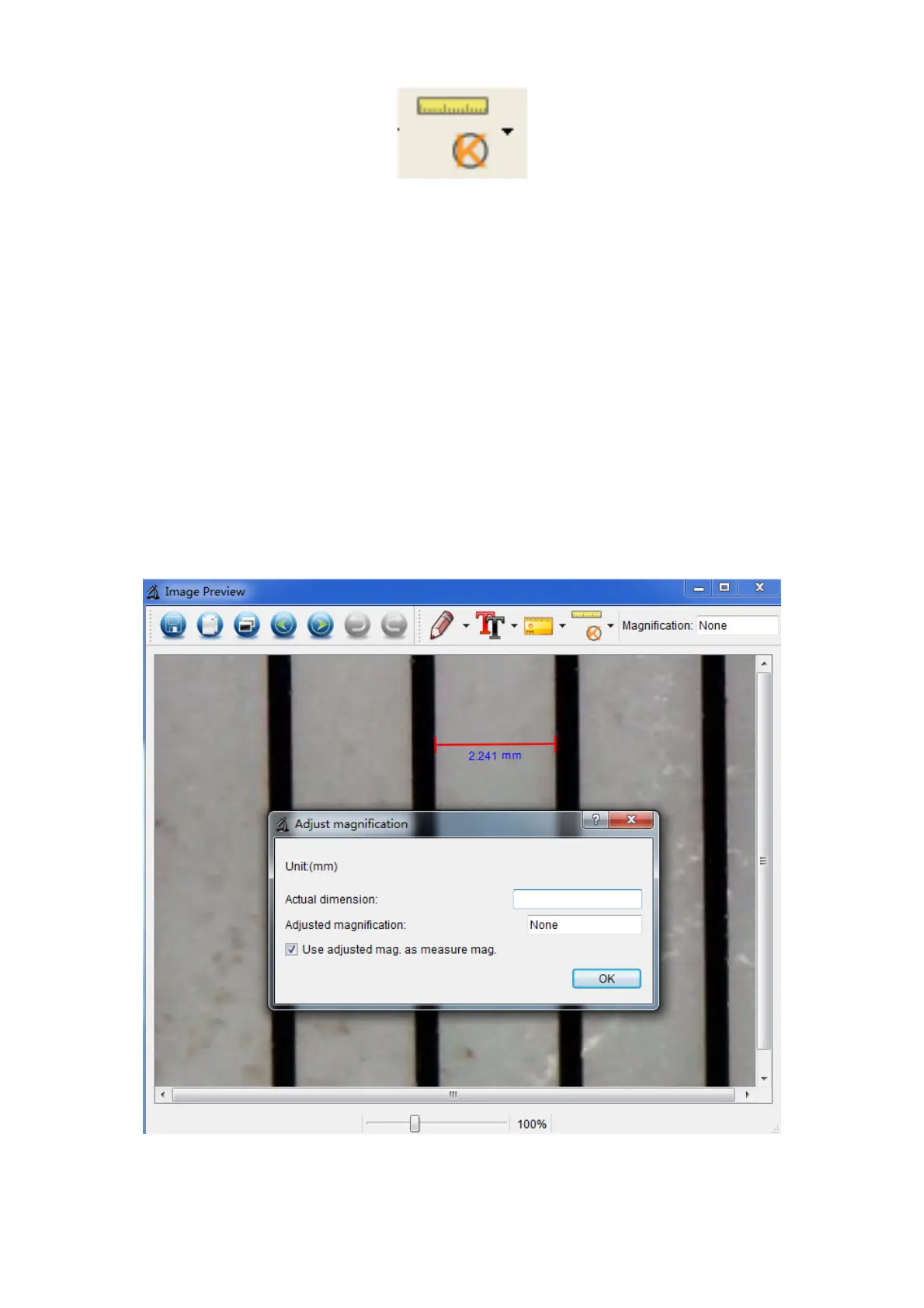
3. Click Calibration icon , and then move mouse
to the picture. Click on the beginning and ending points
across a known value. Now a dialog will popup as below
and you need to enter the exact value of the
measurement sample into ‘Actual dimension’.
Then the software will automatically calibrate the
magnification rate. Click ‘OK’ and the adjusted
magnification rate will show in the upper right corner.
* Remark: The broken line should be parallel to the dial


 To Next Page