Installation and Operation
8 Installation and Users Manual for Mobile Link
®
Section 4: Installation and Operation
Mobile Link Kit Numbers
Installation
NOTE: Verify correct generator operation and
performance before adding a Mobile Link Wi-
Fi/Ethernet device during a new generator
installation.
Disabling On-Board Wi-Fi
Most generators with Evolution 2.0 controllers
are equipped with a Wi-Fi module on the rear
panel. Wi-Fi functionality (if enabled) must be
disabled before installing a Mobile Link Wi-Fi/
Ethernet device. Proceed as follows to disable
Wi-Fi:
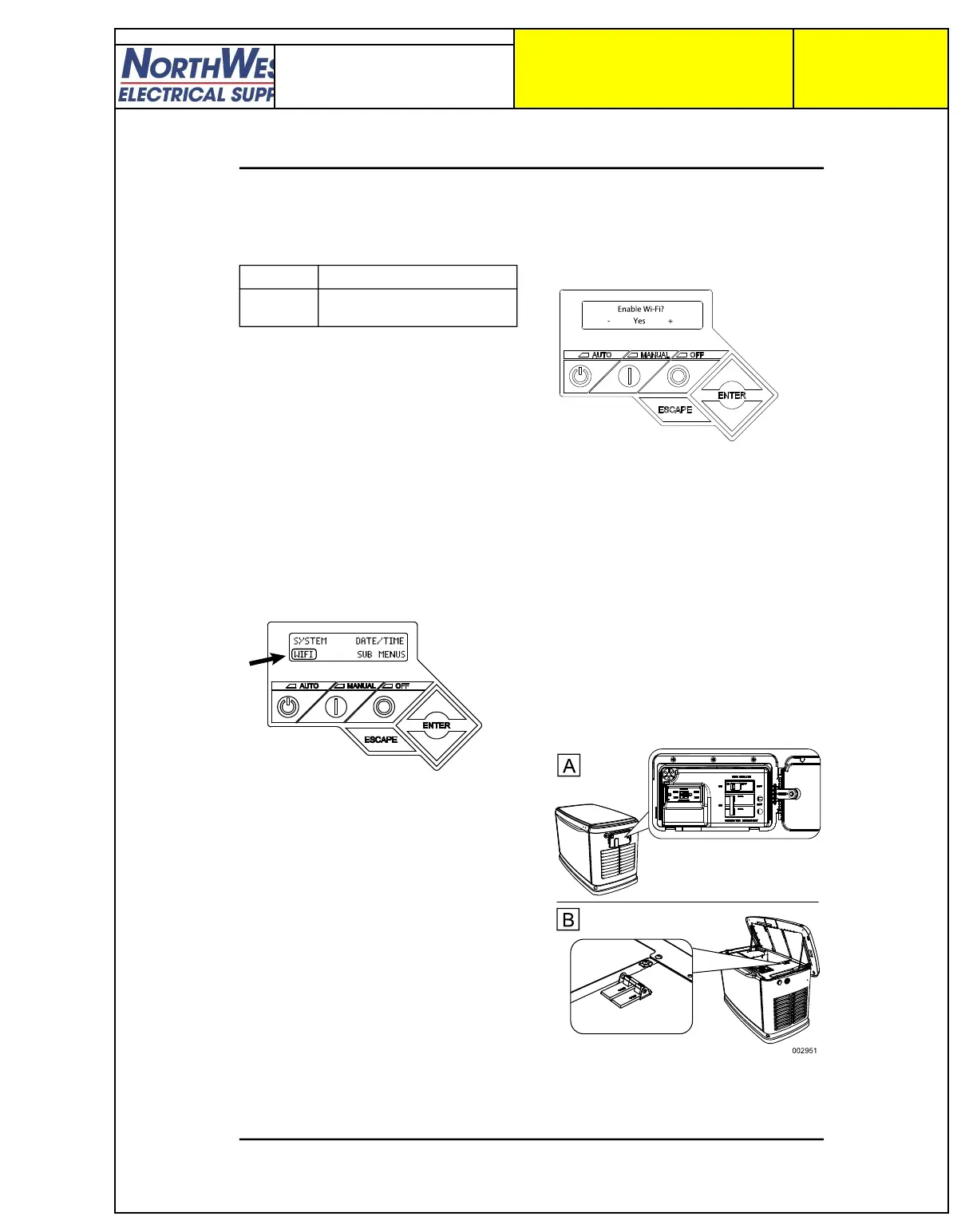
1. See Figure 4-1. With the generator
operating, enter Wi-Fi menu by selecting
WIFI on the controller display.
Figure 4-1. Enter Wi-Fi Menu
NOTE: WIFI may not appear on the control-
ler display. In either of the following cases,
proceed to Main Line Circuit Breaker Loca-
tions:
Blank space in this area indicates genera-
tor is not equipped with Wi-Fi.
WiFi Setup? indicates generator is
equipped with built-in Wi-Fi, but functional-
ity is already disabled or has not been set
up.
2. See Figure 4-2. Use arrow keys to toggle
between Yes and No. Select No and
press ENTER.
009010
Figure 4-2. Enable/Disable Wi-Fi
3. Press ESCAPE to return to default control-
ler display.
NOTE: To enable built-in Wi-Fi:
1. Re-enter the Wi-Fi menu.
2. Toggle Enable Wi-Fi option to Yes.
3. Press ENTER.
4. Press ESCAPE to return to the default
controller display.
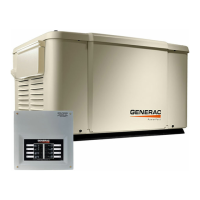
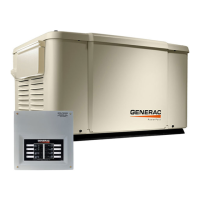
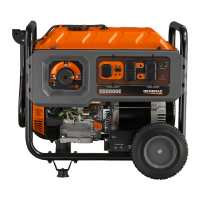
Main Line Circuit Breaker Locations
See Figure 4-3. Depending on the generator
model, the main line circuit breaker (MLCB)
(generator disconnect) is located either in an
external breaker box (A), or internally near the
controller (B).
Figure 4-3. MLCB Locations
Part No. Description
G007170-0 Mobile Link Wi-Fi/Ethernet
Device
009010




 To Next Page