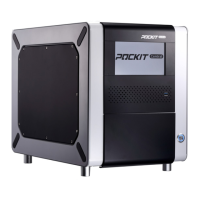
POCKIT™ Central Nucleic Acid Analyzer
15
Copying sample information from previous slot (optional).
Press Copy to duplicate the sample information
from the previous slot. Modify the input information
if needed.
Confirming test information (Reaction Overview).
Check if all the information is correct, press
Run to initiate the run. Or Edit to go back to the
previous screen to revise.
If you wish to abort this run at this step, press
Cancel Run.
After pressing Run, a Door Closing notice will
show up on the screen. Press OK to initiate the
run.
Reaction in progress. The screen will display the
remaining time and instrument status.
Test results are displayed directly on the screen,
and UV lamp will automatically be turned on for
15 minutes.
Note: Do not abort UV irradiation process.
Data are stored in Data Archive automatically. If
users wish to export the data, insert an USB and
press Save to USB button.


 To Next Page