18
Operators Manual
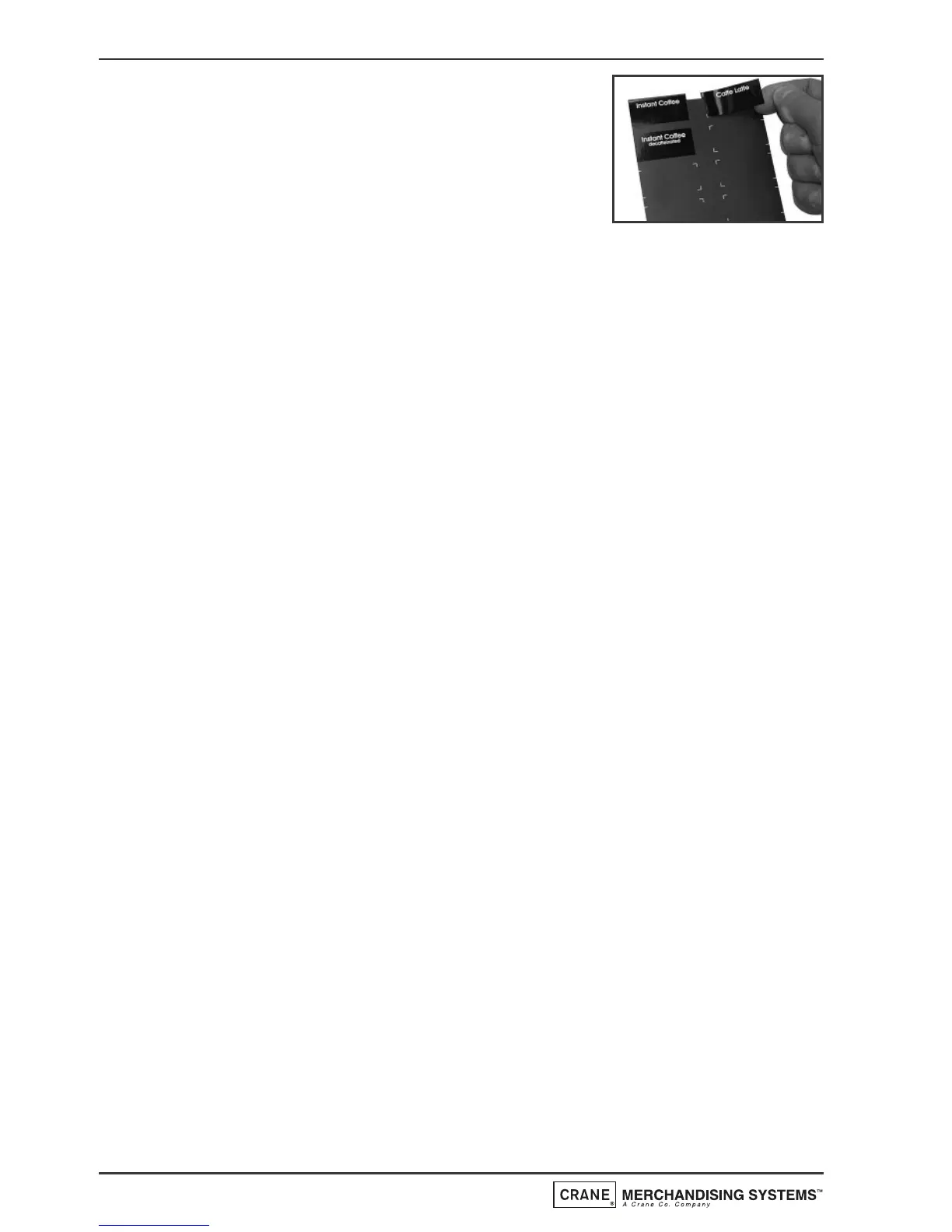
Peel the relevant drink selection decals from
their backing sheet (part no. PR10233000) and
apply to the backing sheet using the printed
guides as shown opposite.
Apply price decals as described above.
4. Place the decal carrier behind the transparent
decal cover and refit complete assembly to the door. Ensure decal cover
locating lugs are correctly located before pushing the snap fit clip into
place.


 To Next Page