23
→
DEMO
*So1 Attowood Th.
Tempo : 130
DEMO
*01 Attwood Tho
Tempo : 130
→
DEMO
So1 Attowood Th..
*Tempo : 82
DEMO
01 Attwood Tho..
*Tempo : 82
→
DEMO 00:07
So1 Attowood Th..
Tempo : 109
DEMO 00:07
01 Attwood Tho..
Tempo : 109
E. Demo songs
Your GENIO PREMIUM
α
has built-in 80 Piano demo songs for your product quality
checking, enjoy and education.
(Please refer to the chart attached)
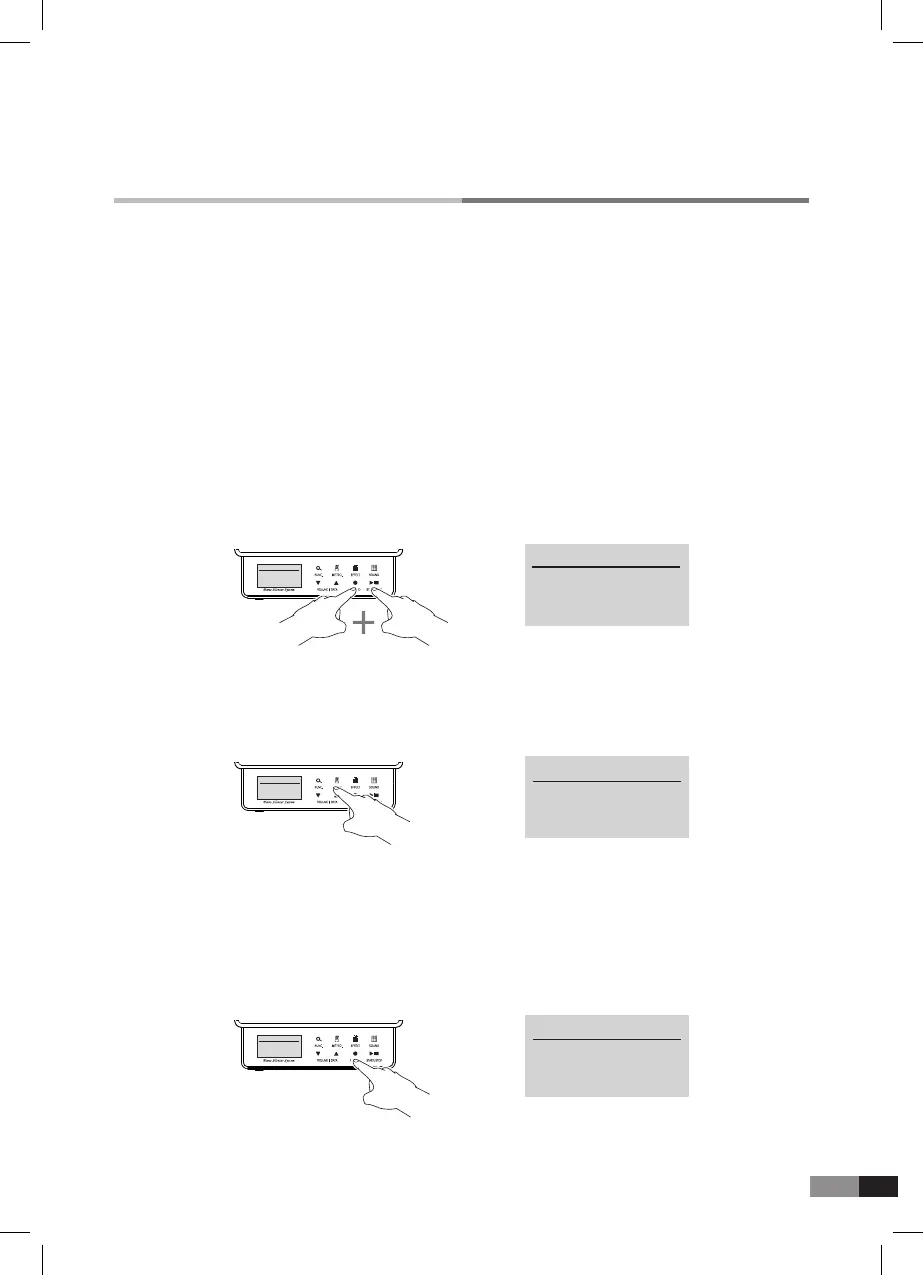
1) Press both [RECORD] + [START/STOP] buttons together to get into demo mode.
Display will show as below.
4) You can adjust volume when the asterisk does not point out tempo by pressing [METRO.] button.
And you can adjust demo song volume by pressing [EFFECT] button.
During playing, press [START/STOP] button to stop playing or to play another song.
5) Press [RECORD] button to play the next song.
*
You can play the piano along with demo song.
3) During playing, when the asterisk points out Tempo by pressing [METRO.] button, press [▼] or [▲]
button to adjust Tempo.
2) Select a song among 80 demo songs and press [START/STOP] button to play.
D. Using USB Memory
Except Record & Play mode, then USB Memory is connected, you can select one among
the following three processes.
1) Press [RECORD] button to copy the recorded song in the control unit.
2) Press [START/STOP] button to play the song saved in the USB Memory.
3) Press [SOUND] button to return to Home mode.



 To Next Page