SmartObserver User Manual
SmartObserver Data Logger
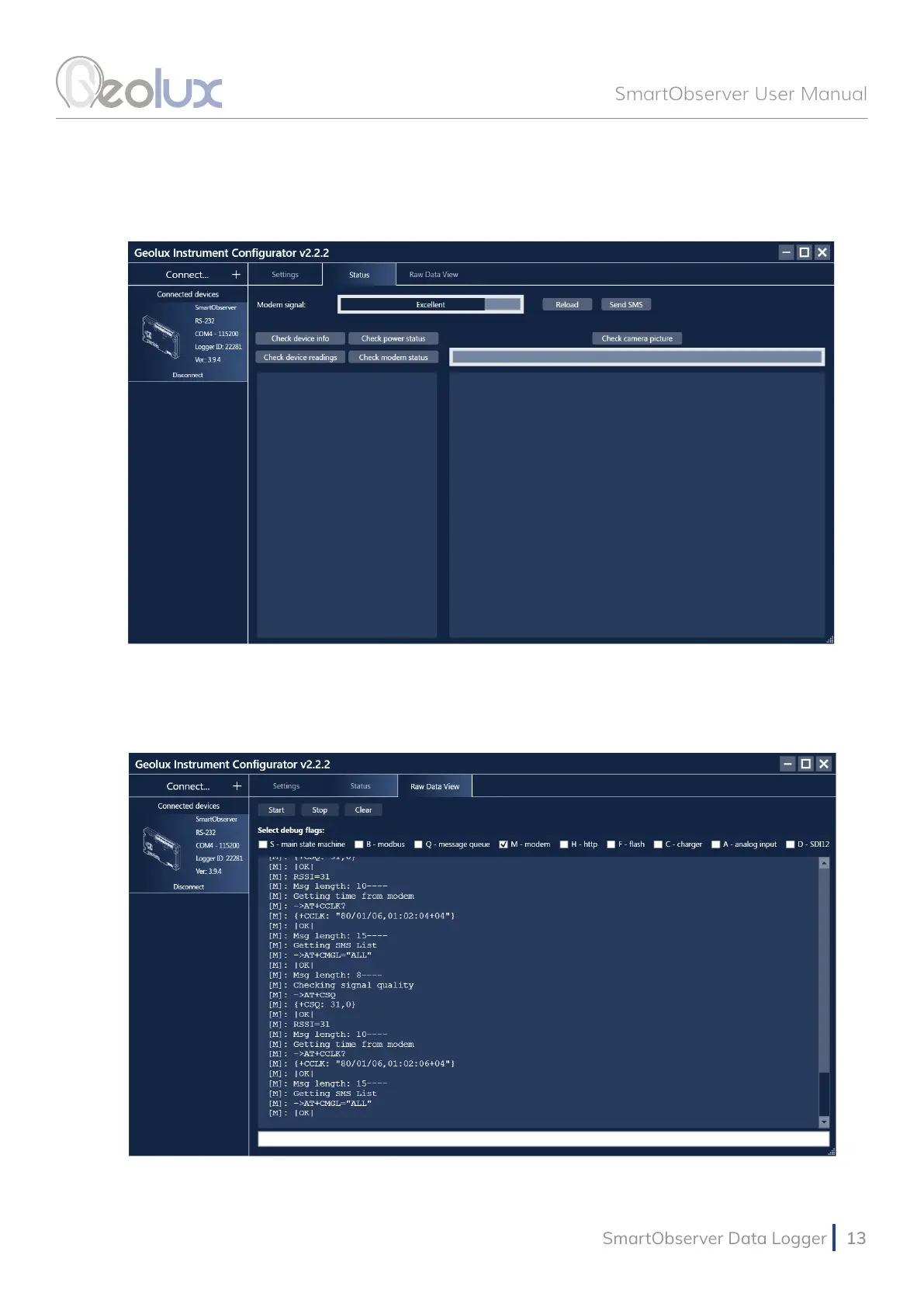
Picture 11. Geolux Instrument Congurator - Status View
Navigating to the Raw Data View tab, seen in Picture 12., enables the user to view the debug
messages sent by the SmartObserver data logger by selecting any debug ags of interest and
clicking the Start button.
Picture 12. Geolux Instrument Congurator - Raw Data View



 To Next Page