GEOMATE SG7 GNSS USER GUIDE
|
2022-07
P
a
g
e
|
15
2.3.4 External Power Supply
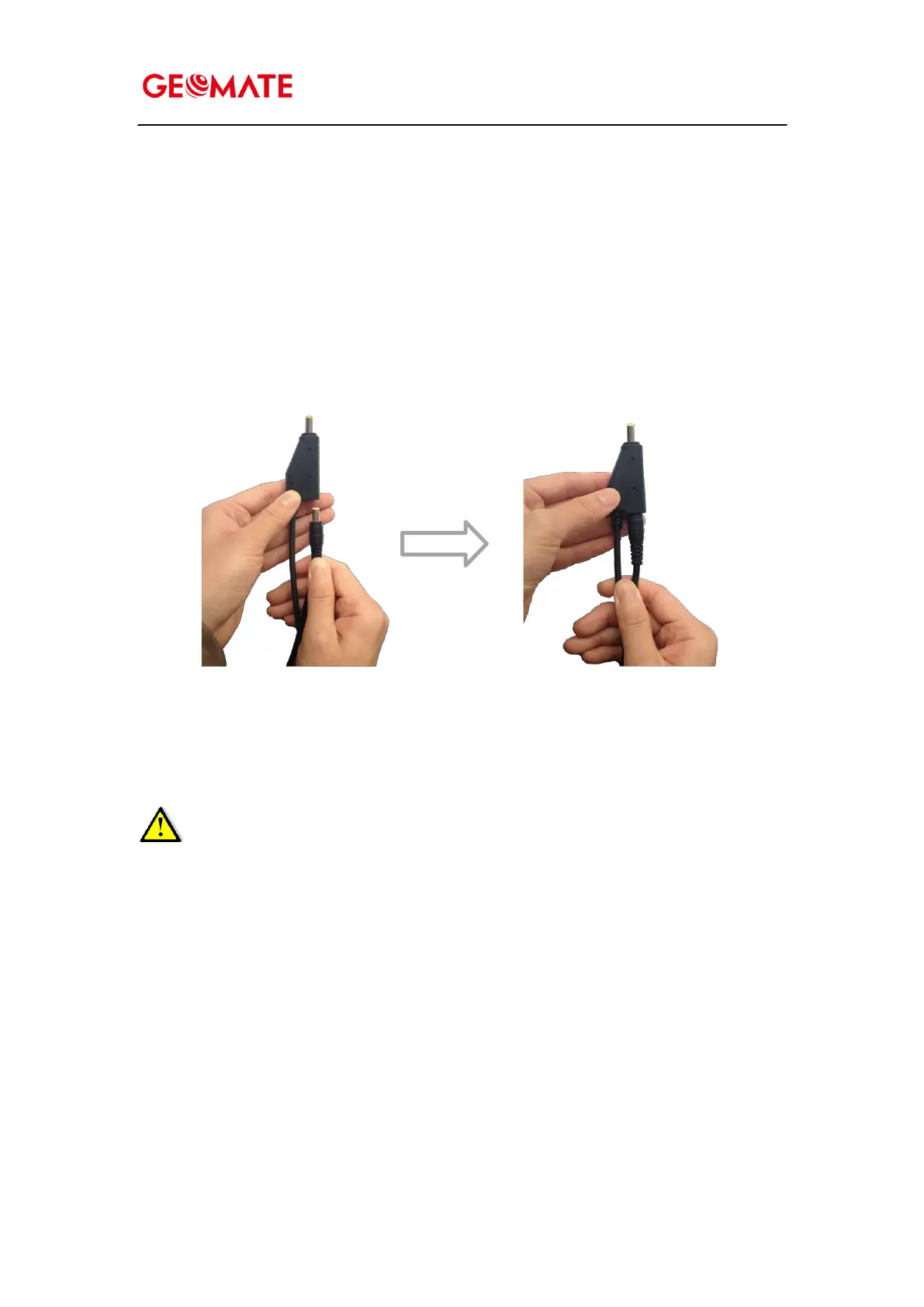
Two methods are available for providing the external power to the receiver by the GPS to PC Data
Cable+ Power Adapter, or GPS to PC Data Cable + external power cable (option purchase)
+ vehicle battery. In
the office:
The Power Adapter is connecting with AC power of 100-240V, the output port of the Power
Adapter connects with the Power Port of the GPS to PC Data Cable.
In the field:
The external power cable is connecting with a vehicle battery, the output port of the external
power cable connects with the Power Port of the GPS to PC Data Cable.
WARNING – Use caution when connecting external power cable’s clip leads to a vehicle
battery. Do not allow any metal object to connect (short) the battery’s positive (+) terminal to
either the negative (-) terminal or the metal part of the vehicle battery. This could result in high
current, arcing, and high temperatures, exposing the user to possible injury.



 To Next Page