GEOMATE SG7 GNSS USER GUIDE
|
2022-07
P
a
g
e
|
26
2.8.3 USB Download
The procedures of downloading logged data in the receiver are as follows:
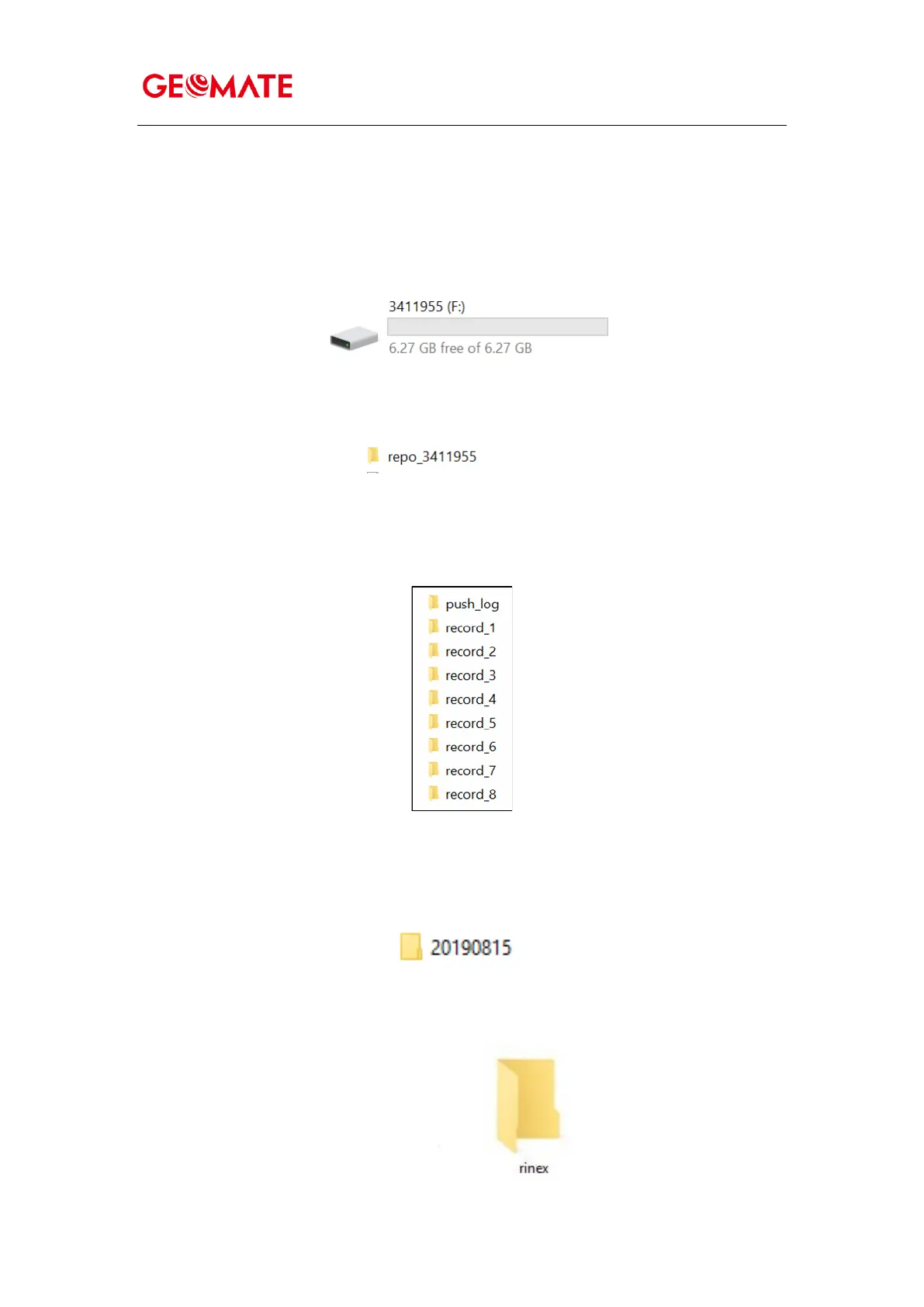
(1) Switch on the receiver and connect it with a computer by Type-C. After the successful
connection, a removable disk named as the Serial Number (SN) of the receiver will appear on
the computer.
(2) Double click the removable disk and you will see the folder named as “repo”.
(3) Double click this folder, you will see 9 folders. The “push_log” folder is used to save the
log files, and the other 8 folders represent different logging session and are used for store
static data.
(4) Double click the folder that you have configured to store the static data, you will see the
folder(s) created by the SG7 system automatically and named by the date which is decide by
GPS time when you start to log data.
(5) Select the destination folder and double click it, and then the folder named as data format
will be displayed.



 To Next Page