GEOMATE SG7 GNSS USER GUIDE
|
2022-07
P
a
g
e
|
75
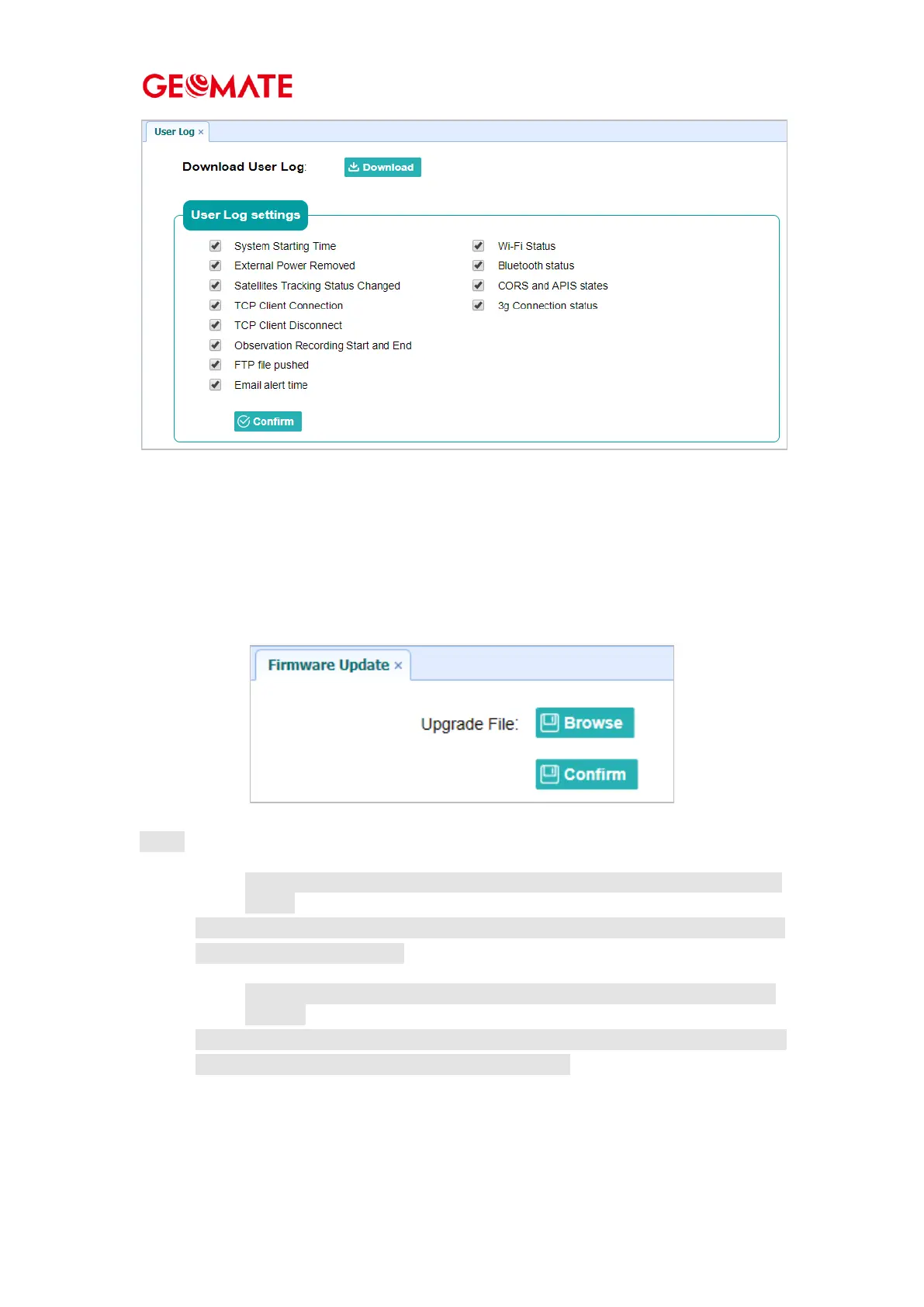
4.8.6 Firmware Update Submenu
Use this submenu to load new firmware to the receiver across the network. Tap the Browse
button to locate the upgrade file → tap Confirm button to confirm the selected upgrading file
and start upgrading.
N otes
4.8.6.1 It may take abo ut 3 o r 4 minutes to co mplete the firmware upgrading. Do no
t to uch
the power butto n o r unplug the power until the upgrading process finishes, o r damage
will be caused to the receiver.
4.8.6.2 The rece iver will restart after the firmware upgrading is do ne, so users
need to
reco nnect the receiver with yo ur co mputer v ia Wi -Fi, and then log-in the receiver
thro ugh a web browser to co ntinue the configuratio n.



 To Next Page