GEOMATE SG7 GNSS USER GUIDE
|
2022-07
P
a
g
e
|
19
2.6
Connecting to an Office Computer
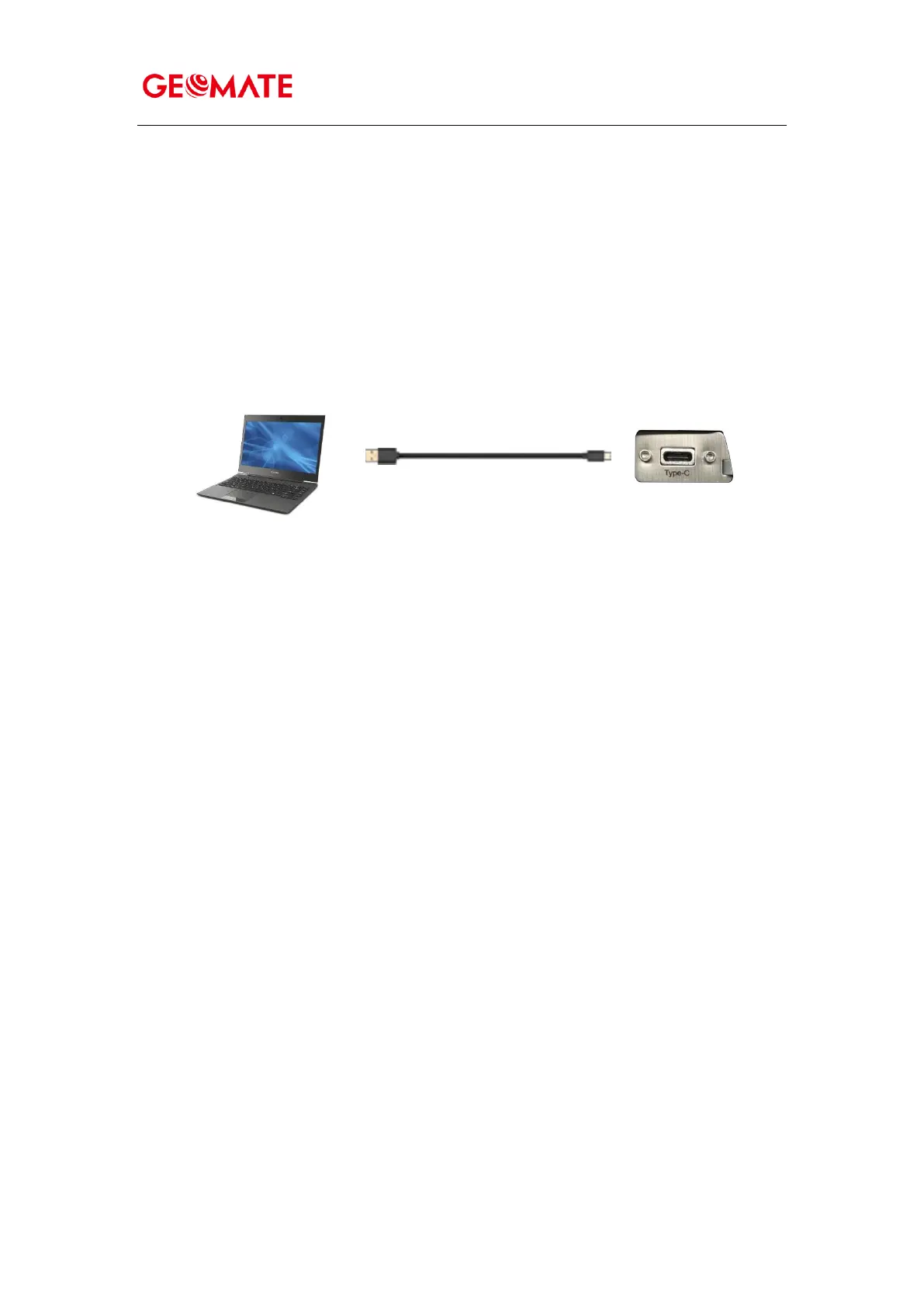
The receiver can be connected to an office computer for serial data transfer or settings via a
FC2 USB Type-C. Before you connect to the office computer, ensure that the receiver is
powered on by internal battery or external power.
The following figure shows how to connect to the computer for serial data transfer or settings:
USB Type-C



 To Next Page