GEOMATE SG7 GNSS USER GUIDE
|
2022-07
P
a
g
e
|
44
4.2 Satellites Menu
Use the Satellites menu to view satellite tracking details and enable/disable GPS, GLONASS,
BDS and Galileo constellations. These menus include tabular and graphical displays to provide
all required information on satellite tracking status.
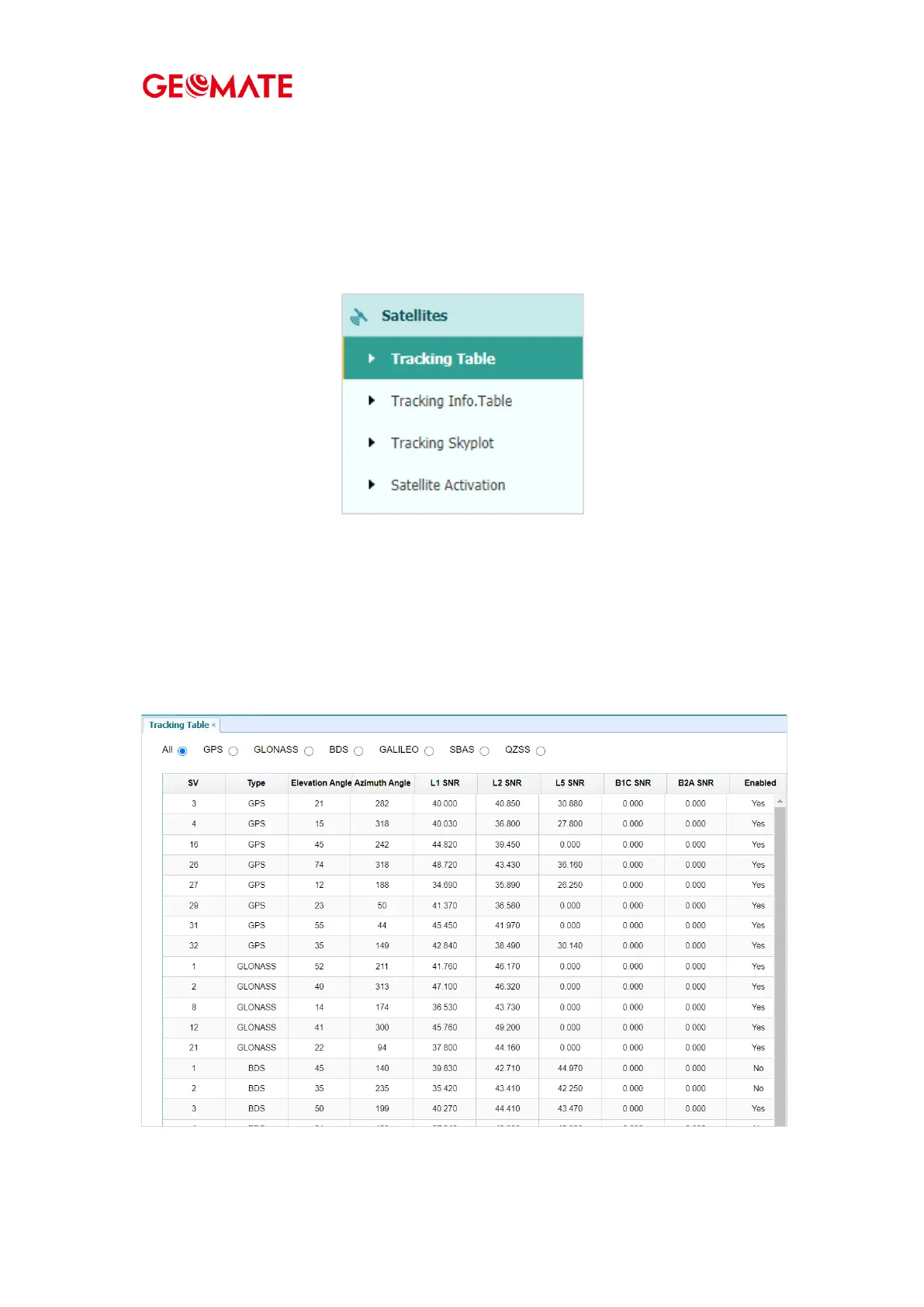
4.2.1 Tracking Table Submenu
Provides the status of satellites tracked in general, such as the satellite ID, satellite type,
attitude angle, azimuth angle, L1 SNR, L2 SNR, L5 SNR and enable/disable status of each one.



 To Next Page