GEOMATE SG7 GNSS USER GUIDE
|
2022-07
P
a
g
e
|
41
Note – Tick remember me o ptio n, and then the browser will remember the Lo gin Acco unt and
Password yo u entered.
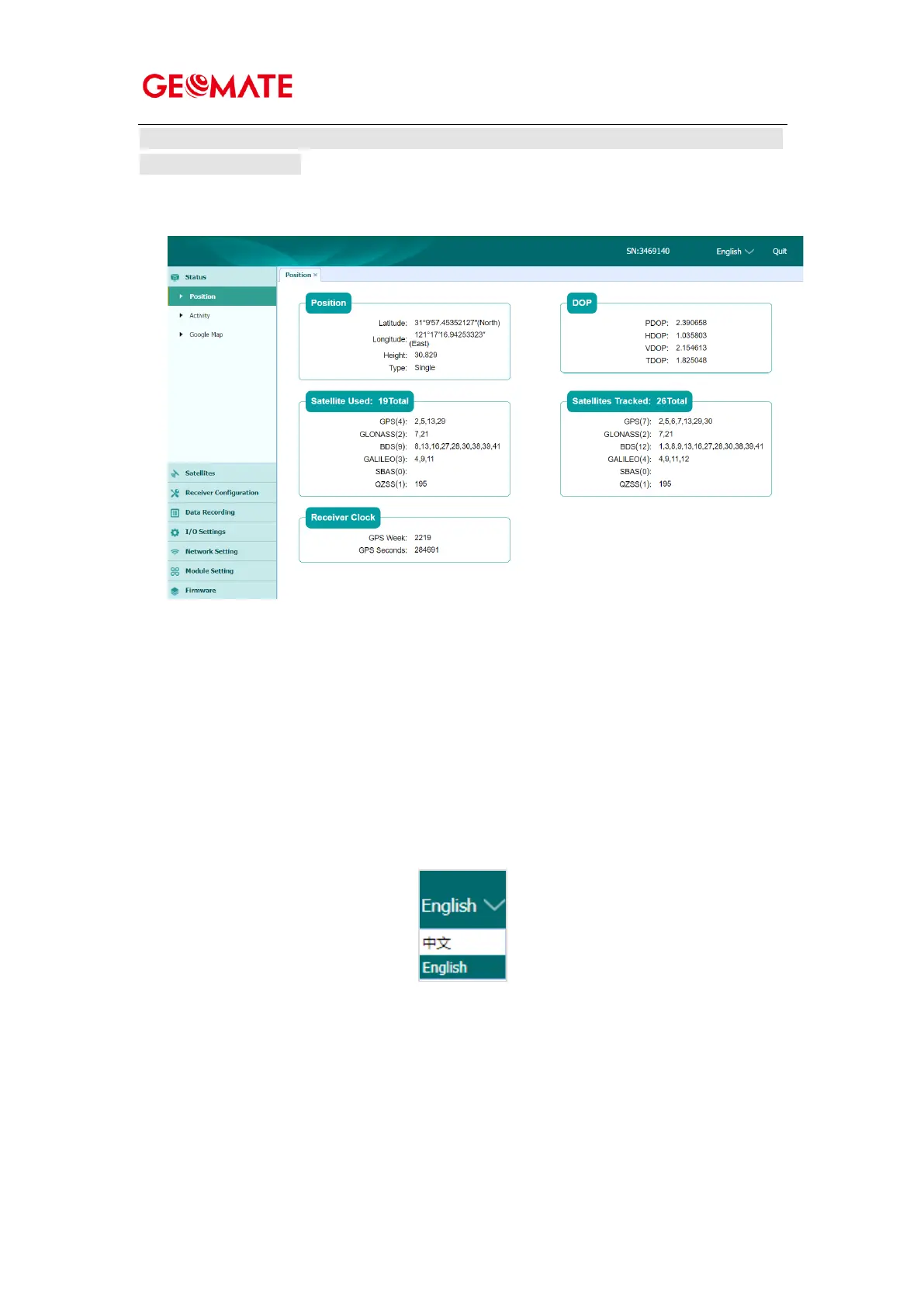
5. Once you log in, the web page appears as follows:
This web page shows the configuration menus on the left of the browser window, and the setting on the
right. Each configuration menu contains the related submenus to configure the receiver and monitor
receiver performance.
This chapter describes each configuration menu.
To view the web page in another language, select the corresponding language name from the dropdown
list on the upper right corner of the web page.
Currently, two languages are available:



 To Next Page