GEOMATE SG7 GNSS USER GUIDE
|
2022-07
P
a
g
e
|
54
To edit the settings of each session, click the Modify button to the right of the
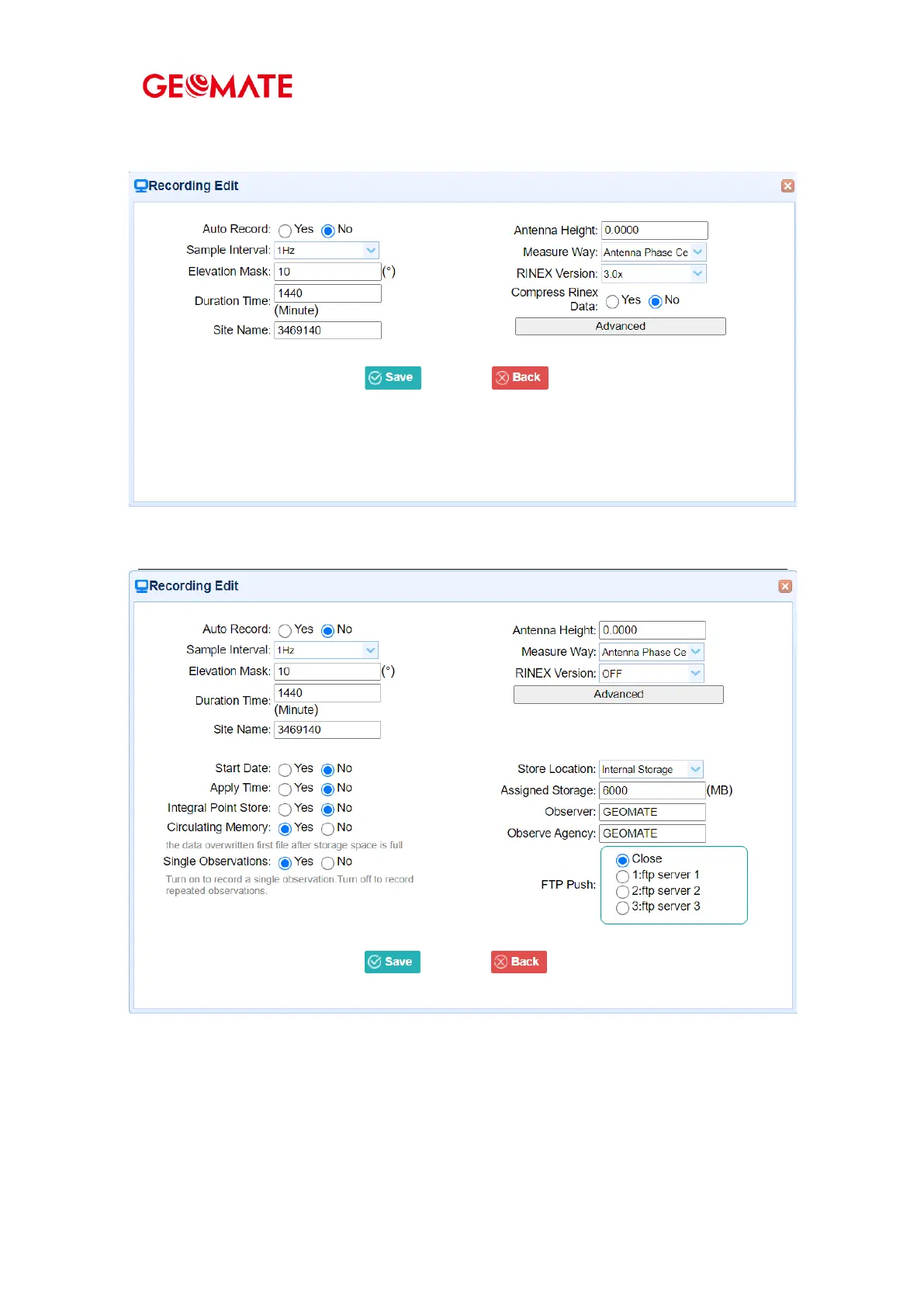
required session, and then the Recording Edit screen appears:
Click advanced to see more settings.
In this screen, you can configure all the data logging parameters, and determine whether
the recording files will be affected by the FTP Push. The parameters are mainly as follows:
4.4.1.1 Auto Record: on or off.
4.4.1.2 Sample Interval: Select the observable rate from the dropdown list.
4.4.1.3 Elevation Mask: Enter the elevation mask.



 To Next Page