16
17
EnglishEnglish
Changing chart symbols
The symbols used to represent the objects on the chart (buoys,
lights, landmarks, etc.), as well as chart colors (G6 Sunshine
and G 5C only), can be selected between paper-chart Interna-
tional or US styles.
Press PAGE to display the menu, select SETUP, then move the
cursor to the next page and select PRESENTATION (INTER. or
US).
Displaying port services
NOTE: This function is available only with the NAVIONICS cartridges containing the
Port Services feature.
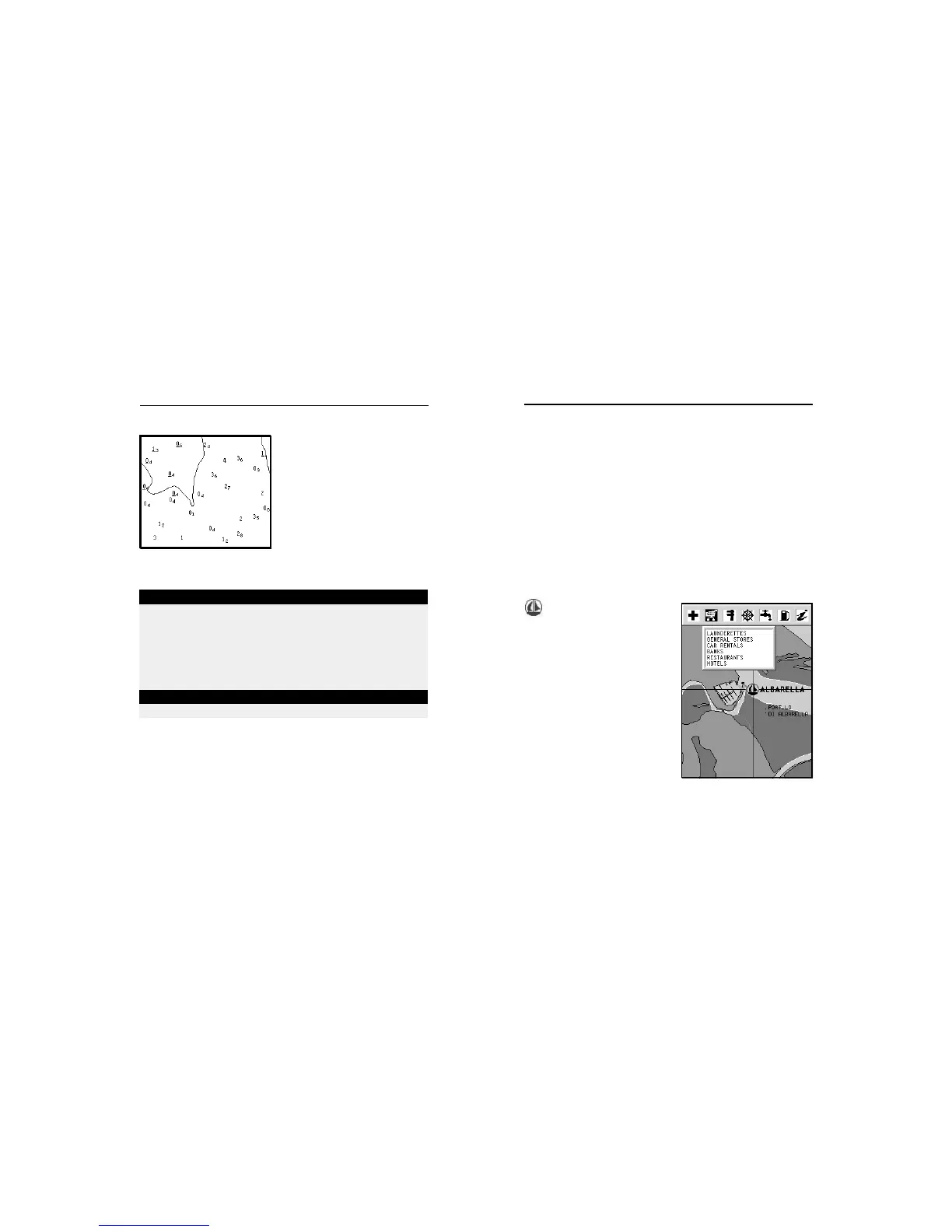
This symbol identifies a
port providing services.
Zoom down to 1 NM, position the
manual cursor on the icon (sail-
ing boat) relative to the selected
marina.
By pressing ENTER, a window
will list all the services available
in that port.
Select the desired icon by using
the CURSOR key.
Port services are identified by the
icons shown in the table on the
following page.
The number and the type of service available will depend on
the NAVIONICS cartridge installed.
ABBREVIATIONS FOR LIGHT ABBREVIATIONS FOR COLOUR
AL alternating AM amber
F fixed B black
FLL fixed and flashing BL blue
FL (...) group flashing G green
FL single flashing OR orange
IQ interrupted quick R red
OC single-occulting VL violet
OC (...) composite group occulting W white
Q continuous group Y yellow
ABBREVIATION FOR PERIOD ABBREVIATION FOR RANGE
..S xx seconds ..M xx nautical miles
Displaying abbreviated navaid charac-
teristics
Position the manual cursor on
the navaid symbol.
A window will show the abbre-
viated characteristics relative to
the navaid selected.
Description of abbreviated navaid characteristics:
Displaying object attributes
Move the manual cursor on top of an object on the chart, then
press GOTO and select INFO. A window will show the descrip-
tion of all the objects present on the chart at the cursor posi-
tion. Select one object from this window and press ENTER to
show all of the object attributes.
The objects that can be queried include depth contours, depth
areas, point objects (lights, navaids, landmarks, etc.), land
areas, spot soundings, coastlines, rocks, wrecks and in gen-
eral any symbol present on the chart.
NAVIONICS Electronic Charts



 To Next Page